

AI Voices
Tutorial AI generates professional voiceover from your narration script using natural-sounding AI voices. You never need to record your own voice — just write or edit the script, and AI narrates it.
How AI voiceover works
Section titled “How AI voiceover works”There are three ways to create narration:
- Silent recording — record your screen without speaking. AI generates a script from your actions, then narrates it.
- Recording with audio — speak naturally while recording. AI transcribes your words, refines the script, then regenerates the voiceover with a professional AI voice.
- Manual script — write your own script from scratch, and AI narrates it.
Choosing a voice
Section titled “Choosing a voice”Click the speaker tag at the top of your script to open the voice picker.
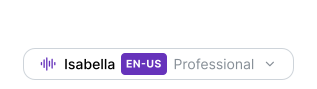
The picker lets you pick by:
- Language — 74 supported languages
- Accent — regional variations for major languages (US, UK, Australian, Canadian, Indian, Irish, South African, and more)
- Style — each voice comes with its own speaking style (conversational, narrated, energetic, calm, and others). Pick a voice whose style matches your content.
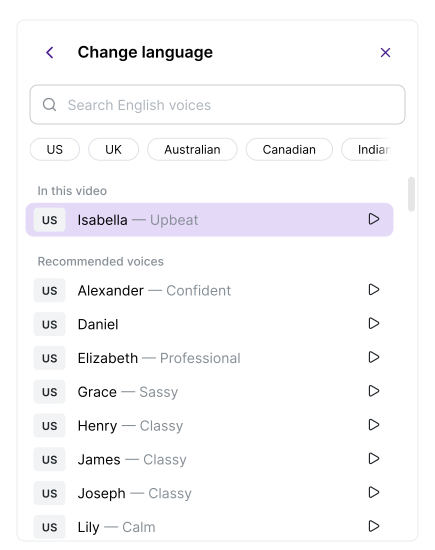
Preview each option before selecting. The voice you pick applies to the entire video — you can’t use different voices for different sections.
74 languages
Section titled “74 languages”AI voices are available in 74 languages including English, German, French, Spanish, Japanese, Chinese, Hindi, Arabic, Portuguese, Korean, and many more. Each language has native-sounding voices with proper intonation and pronunciation.
Recording with audio for better scripts
Section titled “Recording with audio for better scripts”While silent recording works well, speaking while recording gives AI a better starting point for the narration script:

Enable audio by clicking the microphone icon in the Recorder, then select an audio source and speak while recording.
After upload, the system offers automatic enhancements:
- Enhance Narration — AI removes filler words and refines sentence structure
- Smart Auto-Cut — trims idle sections from the video
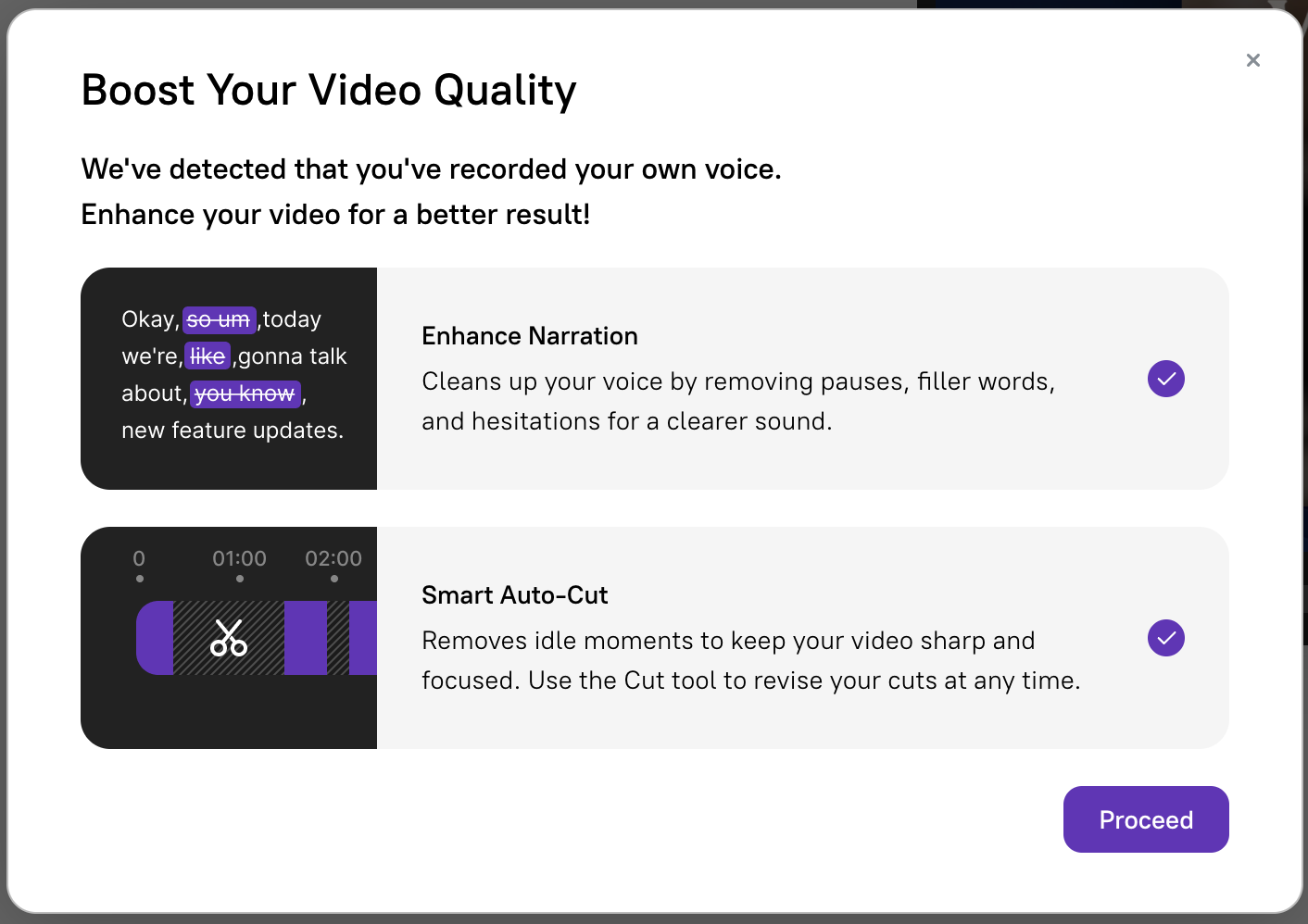
Enterprise voice features
Section titled “Enterprise voice features”On the Enterprise plan, additional voice capabilities are available:
- Custom voices — AI voices tailored to your brand’s tone and personality
- Voice cloning — clone a specific person’s voice so narration sounds exactly like them
- Per-voice pronunciation overrides — set different pronunciations for specific voices
Next steps
Section titled “Next steps”- Voice Tags — Add inline pause, emotion, and sound tags for expressive narration
- Script Editing — Edit and sync your narration script
- Ask AI — Use AI to rewrite and polish your script
- Pronunciations — Customize how specific words are spoken
- Background Music — Add a music track underneath the narration
- Supported Languages — Full list of 74 languages