Product Updates
What's New
The latest features, improvements, and fixes shipped to Tutorial AI.
October 2026
🔄Replace Clip — New Footage, Same Narration
Your product's UI changed? Re-record just that flow, select the outdated clip and replace it. The new footage slots in and your narration stays: AI only rewrites the lines the new recording needs, in the same tone, and adds a section when there's genuinely new UI to explain. Translated a project? Swap in a recording of your interface in that language, so the screen matches the narration too.
Learn moreSeptember 2026
🧩Clips Editor — Replace Any Section Without Re-recording
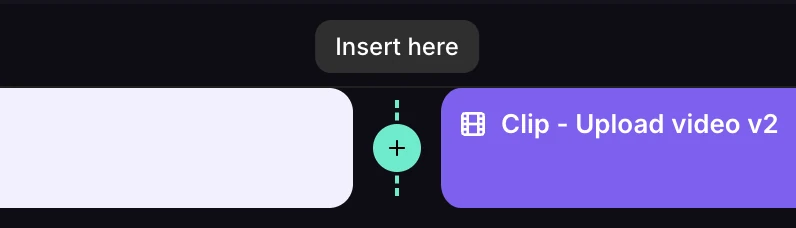
The Clips Editor replaces the Cut Editor. Your recording is now a row of named clips: split it where something changed, remove just that clip and drop in fresh footage. Insert a clip from another recording or from a project you have already generated — it arrives with its narration, sync markers and zooms intact. Combine several takes into one video. It all stays in the same doc-style editor, and your script survives every bit of it.
Learn more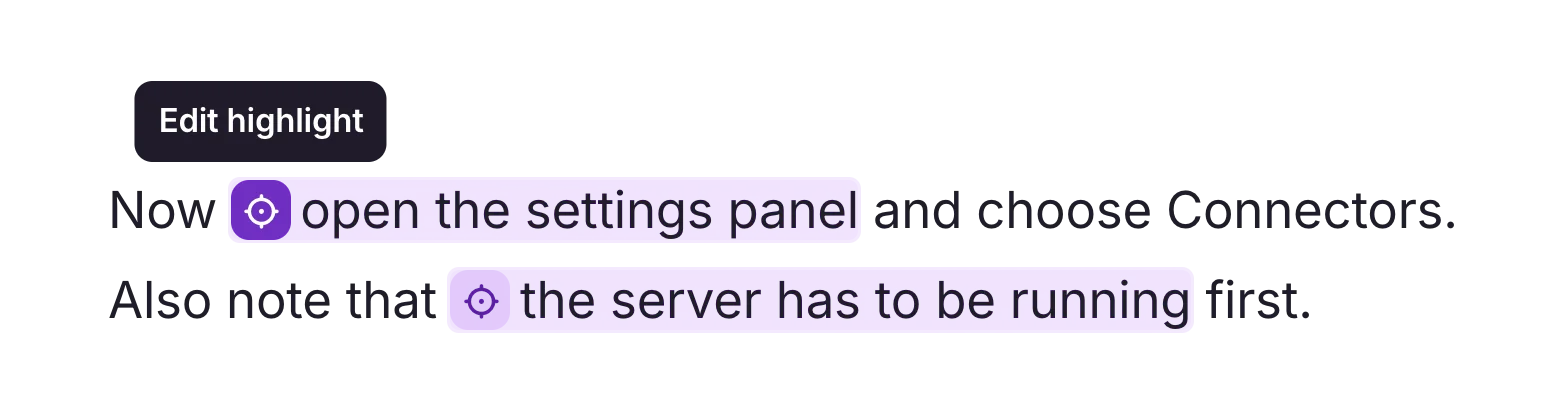
🔦Highlights That Wait for Your Words
A highlight used to last exactly as long as the recording did. Now you choose the words spoken while it is on screen, and the video holds the highlight for as long as that narration takes. So you can explain something the recording never showed — a caveat, a prerequisite, a detail that has changed — without trimming or re-recording. Set in the script editor, with no timeline to assemble.
Learn more
🔌MCP Server — Drive Tutorial AI from Your AI Assistant
Connect ChatGPT, Claude, Cursor, Grok, or Gemini to Tutorial AI. Because your assistant already knows your product, it writes better narration than a cold prompt — and it can edit slides, translate projects, and publish videos for you. Or wire video tutorial and documentation creation into your own workflows over the same protocol.
August 2026
⏱️Reliable Analysis for Long Recordings
Long uploaded screen recordings will process more reliably from start to finish, reducing the analysis issues that could previously occur during import.
July 2026
🎓SCORM Export — Package Videos for Your LMS
Package any published video as a SCORM 1.2 or SCORM 2004 course, set a completion threshold, and download a .zip ready to upload to your LMS. Completion reports back automatically so learners' progress shows up where your L&D team already tracks it.
Learn more⚡Up to 3× Faster Recording Uploads
Recording uploads are noticeably faster now — up to 3× faster in some cases. Less waiting on the progress bar, more time on the script.
🎯Better Scripts from Silent Recordings
For recordings captured without audio, the AI now understands on-screen activity more accurately and generates scripts that better match your UI, text, and actions.
June 2026
🎭Voice Tags — Add Pauses, Emotions, and Sounds to Narration
Make narration more expressive with inline voice tags. Insert a pause for a beat before a key point, deliver a line with an emotion like Excited or Curious, drop in a sound from the Sounds & pacing category — the AI voice picks up every tag and renders the script with natural performance cues. Click the + button next to any sentence in the script to add a tag.
Learn moreMay 2026
🎤Enhanced AI Voices — More Human, More Natural
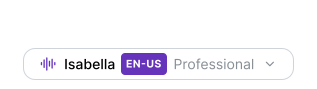
Narration just got a major quality upgrade — voices are more natural, with regional accents, distinct speaking styles, and broader language coverage. Pick the voice that best fits your video by language, accent, and style from the speaker tag at the top of the script.
🌐Multilingual Player — One Embed, Every Language
Embed a single video player and let viewers switch languages directly from the player controls. All translations are bundled into one embed code — no separate players per language, no page navigation. Viewers pick their language and the voiceover, captions, and timing switch instantly.
Learn more📁Folders — Organize Your Video Library
Keep a growing library navigable. Create folders, nest them, and move videos between them. Translated videos automatically group with their source in Virtual Translation Folders — no manual filing.
Learn more🔊Free Tool — Boost Audio
A new free browser-based tool to amplify quiet narration. Slide the volume from 0% to 200% and download the result — with smart limiting that catches peaks instead of clipping at higher boost levels. Runs entirely on your device with WebAssembly: no uploads, no sign-ups, no watermarks. Built for those moments you only realize the audio is too quiet after recording.
Learn moreApril 2026
✦Customize Slide Animations
Slide elements animate by default, so your tutorials already feel polished out of the box. When you want more creative control, you can customize how each element enters and exits with effects like slide, move, fade, and zoom. You can also add pan effects to bring still images to life. Give every element its own animation style to create a more dynamic, polished presentation — without ever touching a timeline.
Learn more📸Auto-Screenshots in Generated Docs
When you generate documentation from a video, screenshots are now inserted automatically at each step. No more manually capturing and placing images — your step-by-step guides come with the right visuals from the start.
Learn more🔇Free Tool — Remove Audio from Video
A new free browser-based tool that strips audio from any video file instantly. Powered by WebAssembly, it runs entirely on your device — no uploads, no sign-ups, no watermarks. Built after a customer request: they wanted to turn narrated Tutorial AI videos into silent loops for their website feature pages. Also great for preparing footage for a new voiceover or creating muted social clips.
Learn moreMarch 2026
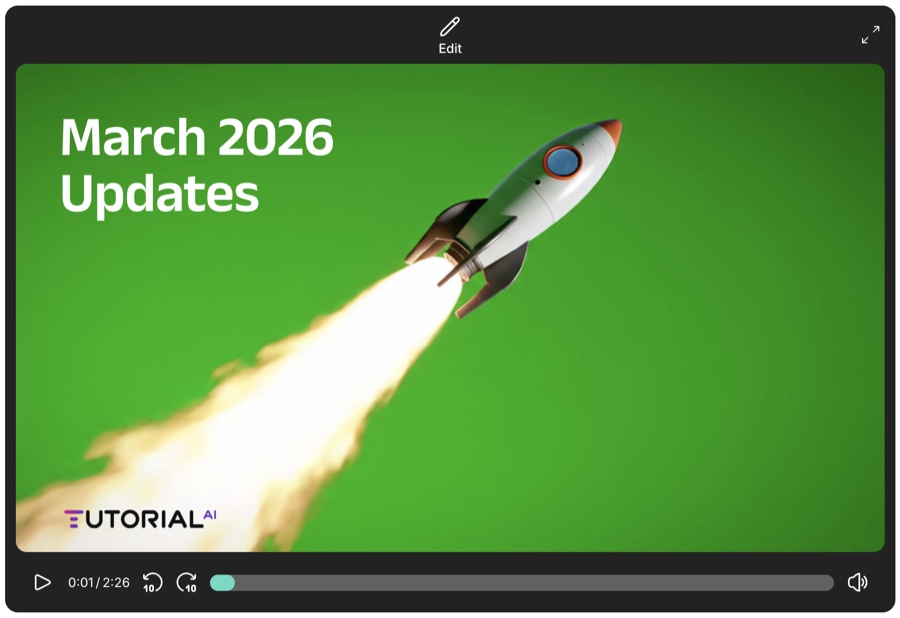
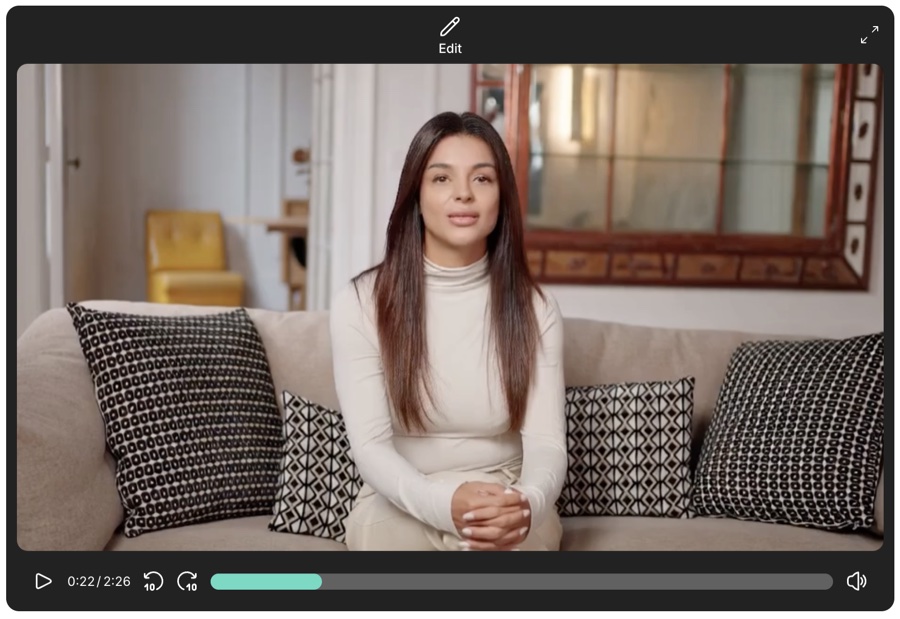
🎬Video Slides — Personal Intros & Video Backgrounds
Add video content directly to your slides. Use a background video animation for a dynamic intro or outro, or record yourself with a webcam to do a personal introduction before handing over to the AI narrator for the tutorial itself. A friendly face builds trust — then let the AI handle the expertise.
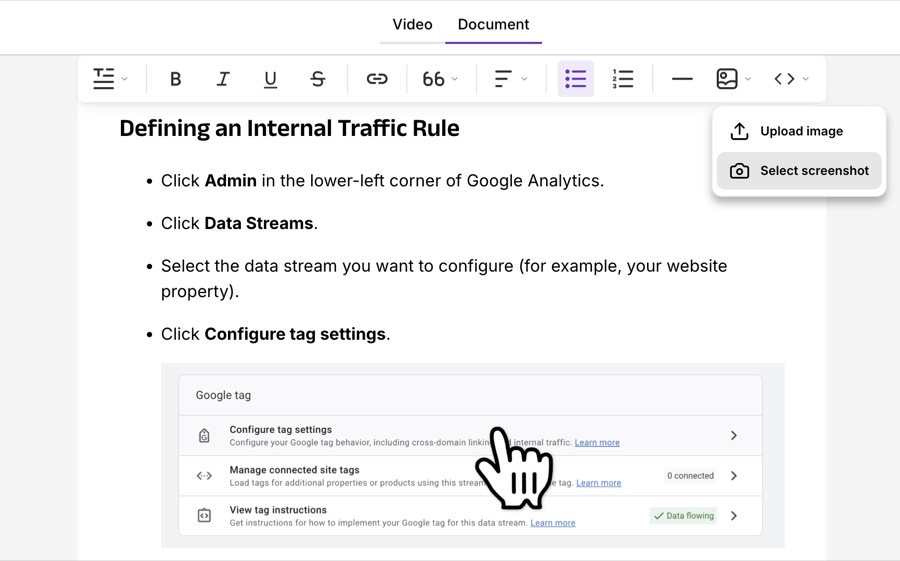
📄Document Generation — Turn Videos into Step-by-Step Guides
Automatically generate structured documentation from your screen recordings. Select which screenshots to include, edit the text, and export directly to Word, Google Docs, Notion, HubSpot, Zendesk, Freshdesk, WordPress, Webflow, and more.
Learn more📋Slide Improvements Mini Update
You can now copy and paste individual elements—text, images, and videos—within and across slides, duplicate entire slides with one click, and insert blank slides wherever you need them. These small changes make it much faster to customize your intro and outro slides and create explanatory slides in the middle of your tutorials.
February 2026
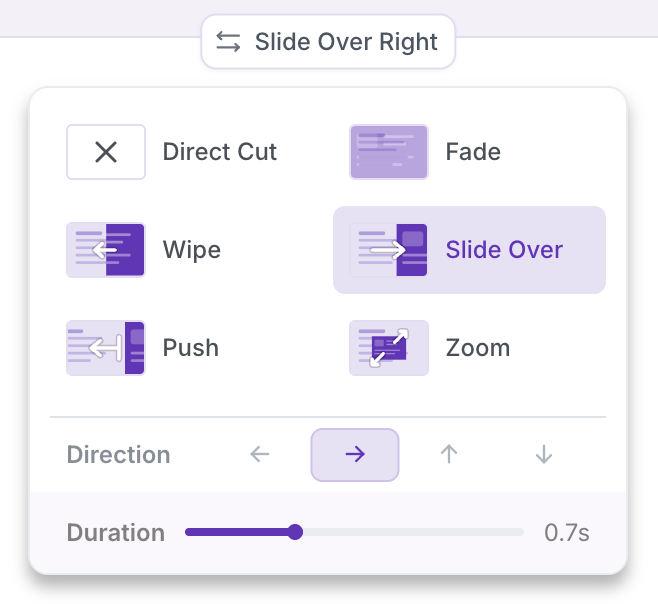
✨Slide Transitions — Smooth, Professional Flow
Choose from a variety of transition effects — Direct Cut, Fade, Wipe, Slide Over, Push, and Zoom — and adjust the speed and direction to match your video style. Every scene change now feels intentional and polished.
Learn moreJanuary 2026
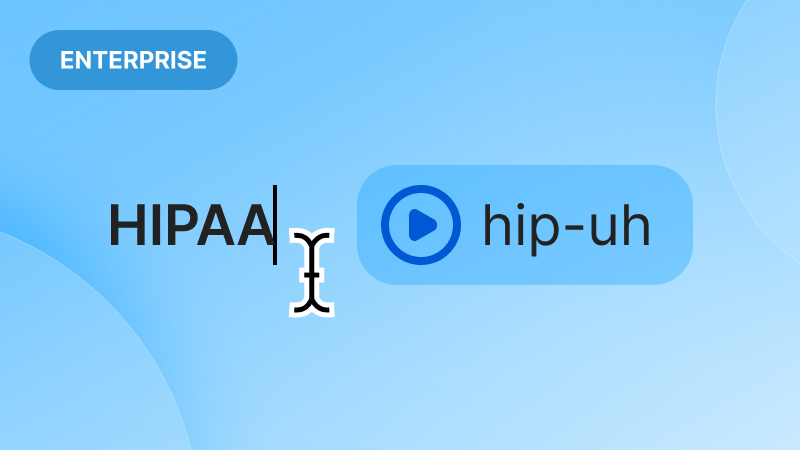
🎙️Custom Pronunciations — Say It Right, Every Time
Define custom pronunciations by mapping the written form of special words — such as abbreviations, brand names, acronyms, or technical terms — to their correct phonetic representations. This ensures consistent and accurate pronunciation in speech synthesis.
Learn moreNovember 2025
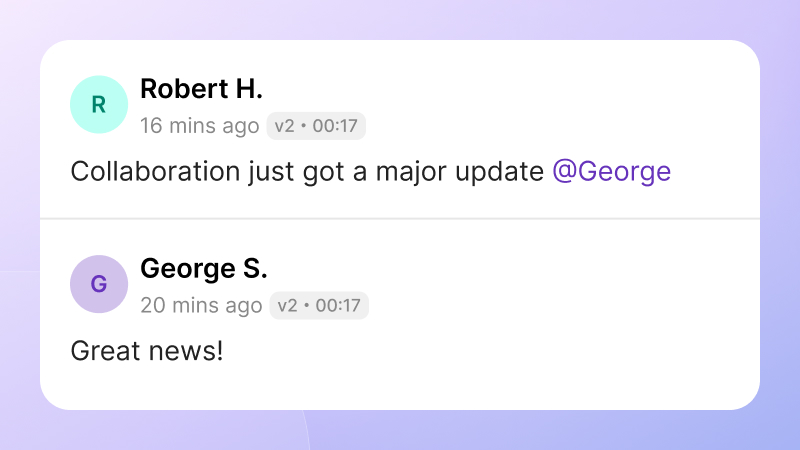
💬New Comments — Feedback That Flows
Collaboration just got a major upgrade. Invite teammates to comment directly on your videos, right where their feedback matters most. Time-stamped notes, mentions, and filtering tools make reviews faster, clearer, and more actionable — no more juggling feedback across multiple threads.
Learn moreOctober 2025
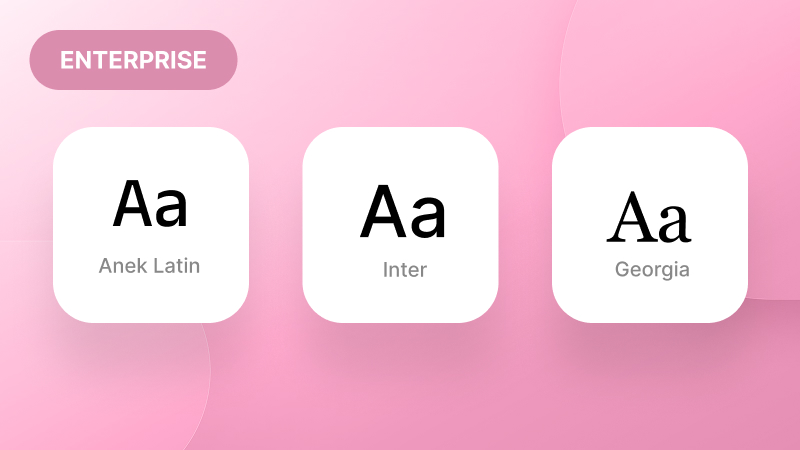
🔤Upload Custom Fonts — Make It Your Brand
Bring your brand personality to life! You can now upload and use your own fonts inside Tutorial AI, ensuring every caption and on-screen title reflects your unique visual identity. Whether you're creating tutorials, product demos, or customer walkthroughs, your typography now stays perfectly on brand.
Learn more
🖱️Simplified Mouse Path for Smoother Movement
A new Simplified Mouse Path option refines cursor movement for a cleaner, more natural flow. Perfect for tutorials that need to look professional and distraction-free. Prefer the original look? The standard mouse smoothing is still right there when you need it.
Learn moreSeptember 2025
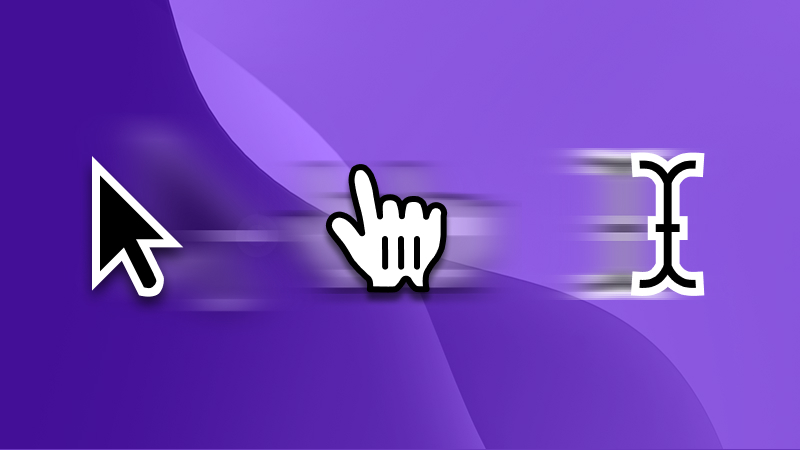
👉Reduce Cursor Flicker for Less Distraction
The new Reduce Cursor Flicker feature makes your recordings look much cleaner by smoothing out rapid cursor changes — like when moving quickly across menus or hovering over multiple elements. Your tutorials now feel more polished, distraction-free, and easier to follow.
Learn more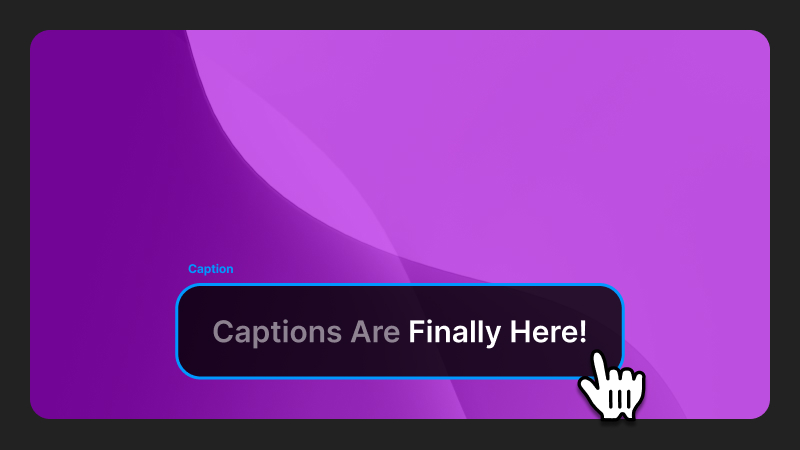
🎉Captions Are Finally Here!
Now every tutorial you create can come with clean, automatic captions baked in. Perfect for accessibility, easier follow-alongs, and your videos are now way more scroll-stopping on X and LinkedIn, where sound is usually off by default. Captions keep your audience hooked — even in silent mode.
Learn moreAugust 2025
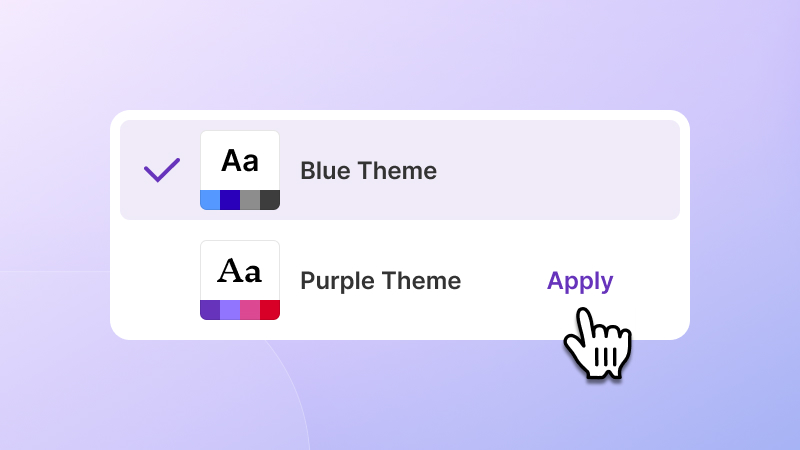
🎨Brand Kits 2.0
Brand management is now smarter than ever. Create and switch between multiple brand kits with one click, and get notified when updates are available. Reapply to keep your projects perfectly on-brand, every time. Available for all Enterprise accounts.
Learn moreJune 2025
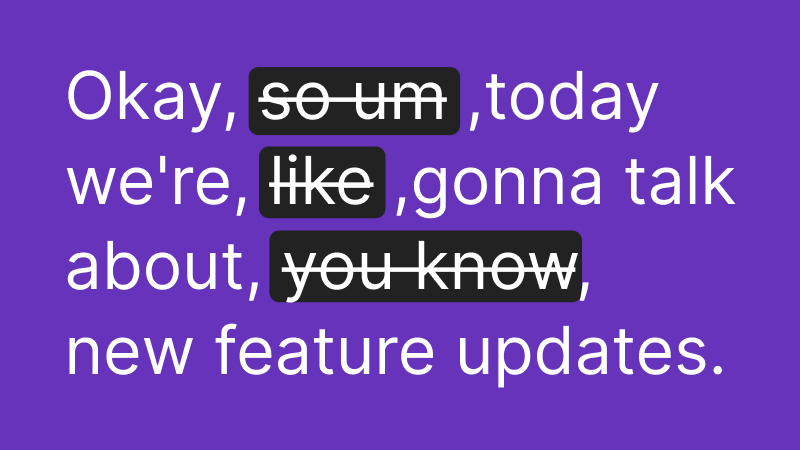
🎙️Smarter Audio Recording with Less Editing
Creating screen recordings with audio just got a major upgrade. Thanks to enhanced auto-cut detection and AI-powered script polishing, your video is now cleaner and more engaging by default. That means less trimming, fewer retakes, and more time to focus on your message.
Learn more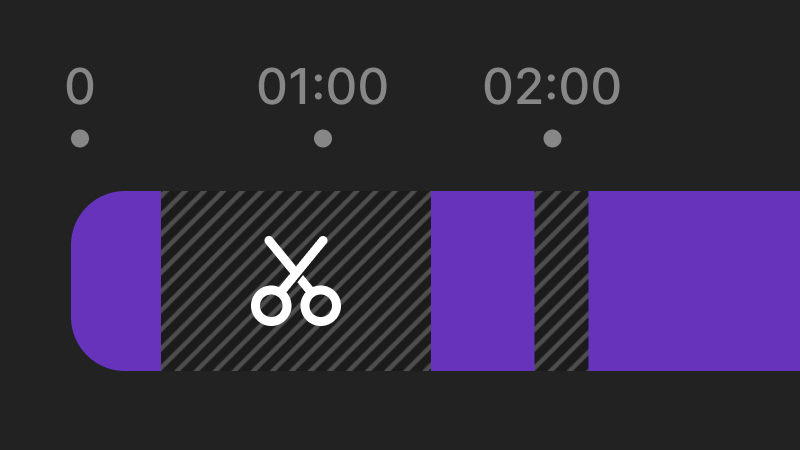
✂️Auto-Cut Now in the Cut Tool
Say goodbye to long pauses and awkward thinking time. The new Auto-cut feature automatically trims out idle moments in your recordings — whether you're pausing to think or simply speaking slower than the AI voice. Your final video feels tighter and more professional, instantly.
Learn moreMay 2025
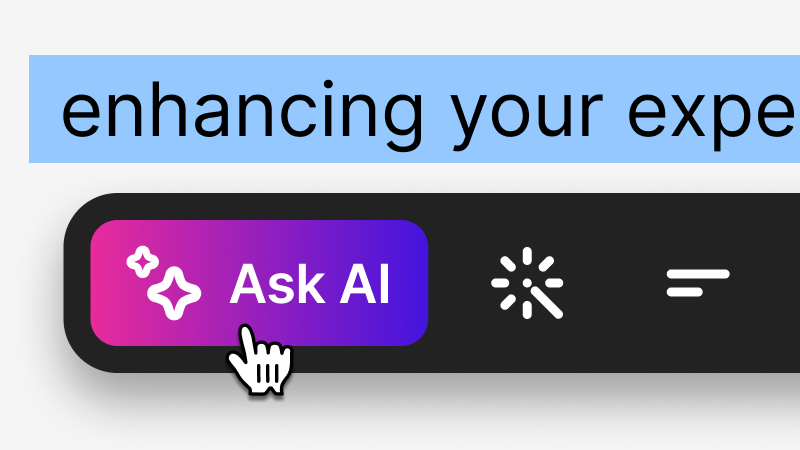
🤖AskAI Integrated Into Your Script Editor
No more copy-pasting between tools. The AskAI toolbar is now built right into the script editor. Change your script's tone or length, add new insights with your own prompts, and preserve time markers perfectly while doing so. A smoother, smarter way to script.
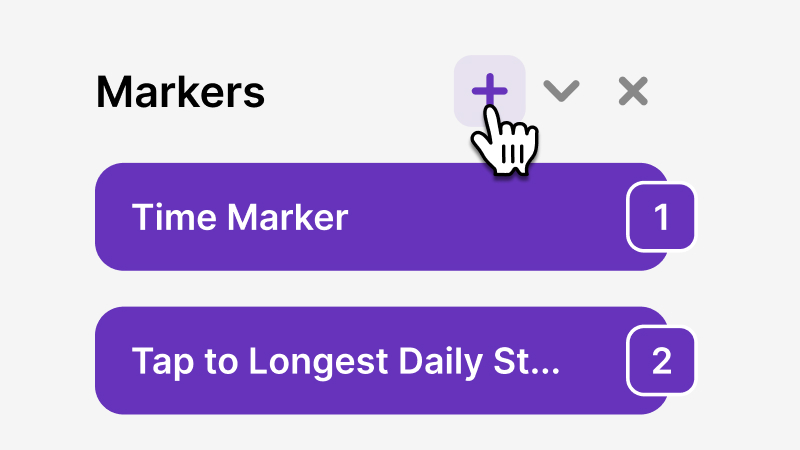
⏱️Custom Time Markers for Precision Control
Need to sync narration with an on-screen element that you're not clicking on? Now you can! With Custom Time Markers, you can manually insert markers to match your spoken script with exactly what's happening on screen — even when there's no interaction.
Learn moreApril 2025
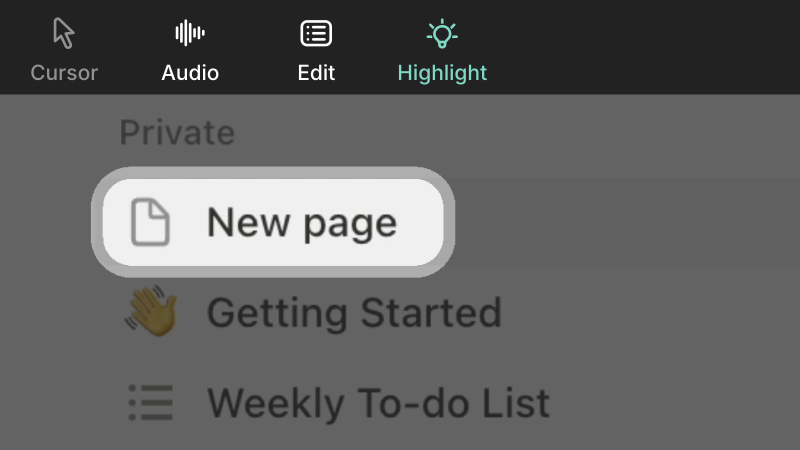
🎯Highlight Important Areas in Your Video
Introducing Highlights — a new way to direct viewers' attention. Dim the surrounding screen and make key elements pop by applying a visual spotlight to any area in your recording. Perfect for emphasizing steps, features, or critical information.
March 2025
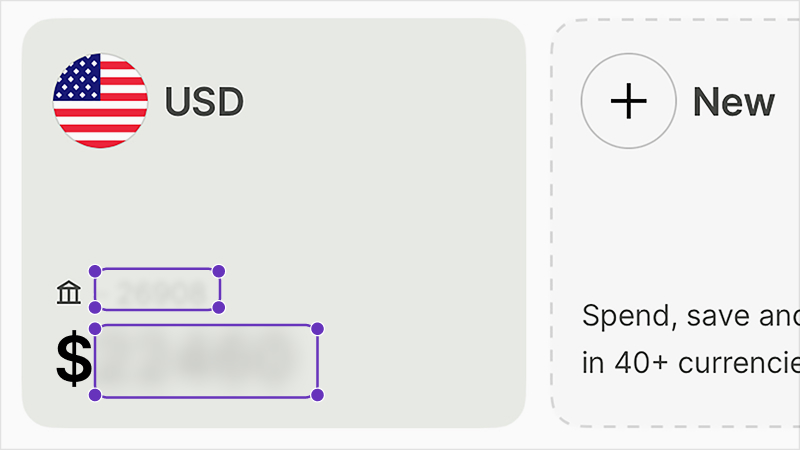
🔒Blur Masks & Slides Updates
The Cut Tool now includes a Blur tab — easily conceal sensitive information in your videos in just a few clicks. Plus, we've enhanced the Slides experience with title slides, animated bullets, and chapter reference slides that integrate seamlessly with the script editor.
Learn moreJanuary 2025
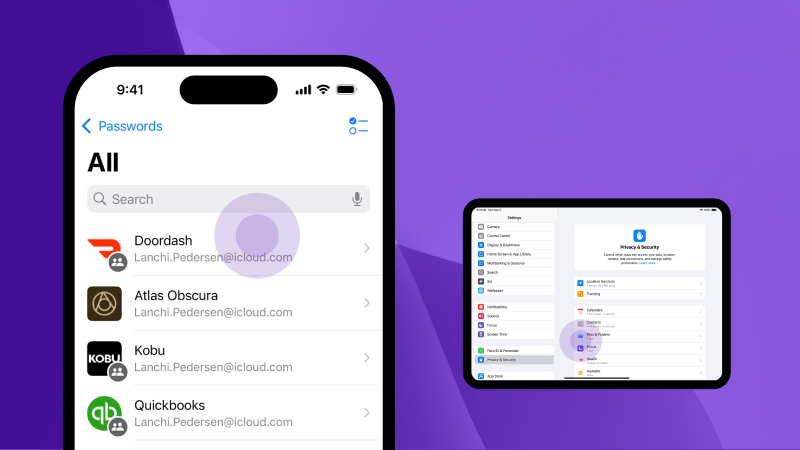
📱Tap Visualization, iPhone Slides & Cut Tool
Display tap interactions on iPhone and iPad recordings. Add slides to mobile recordings. And the new Cut Tool lets you remove unwanted sections or trim beginnings and endings effortlessly.
Learn moreDecember 2024
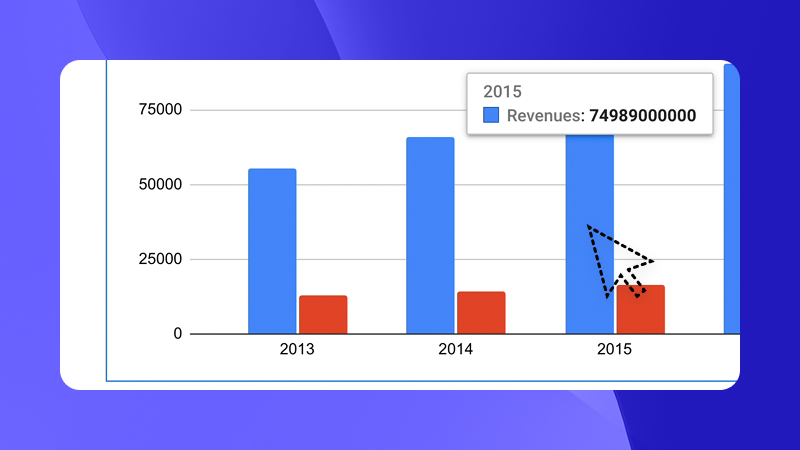
🖱️Auto-Hide Cursor, AI Transcribe & Library Upgrade
Automatically hide the cursor when idle to keep recordings distraction-free. Generate automated scripts from your screen recordings with AI Audio Transcribe + Enhance. Plus, expanded image format support in the Asset Library.
Learn moreNovember 2024
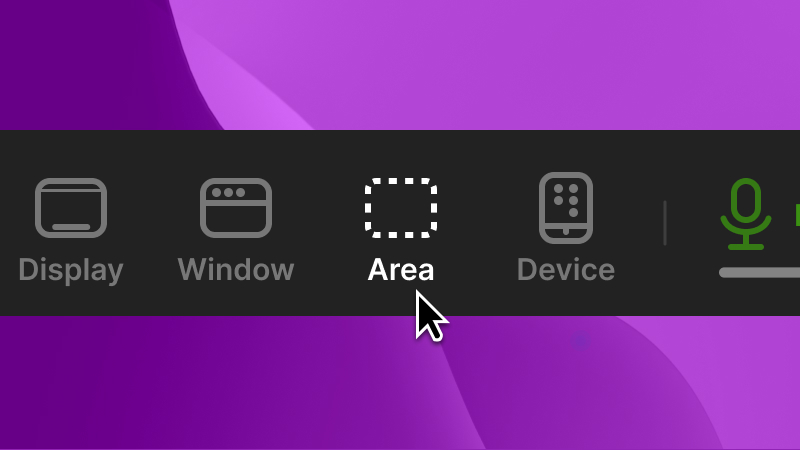
🎥Area Selection, New AI Voices & 1-Click Translation
Save and reuse custom recording dimensions on Mac. Expanded collection of multilingual professional voices. New gradient backgrounds. And the big one: translate your videos into multiple languages instantly with 1-Click Translation.
Learn moreOctober 2024
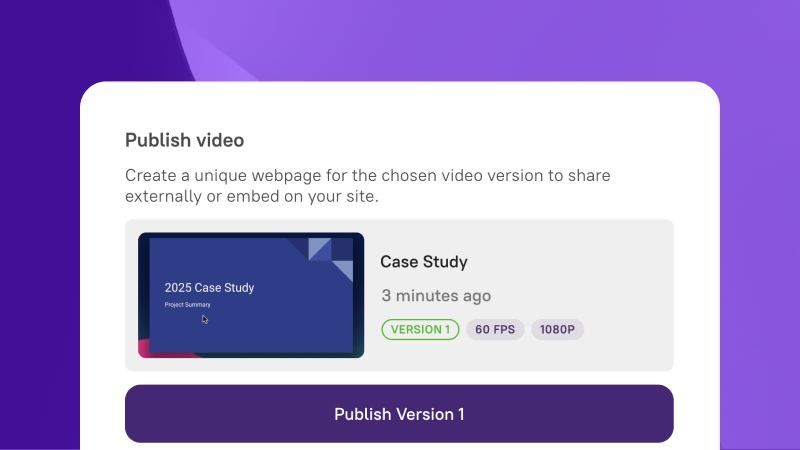
🚀Embed, Smart Sharing & AI Motion Blur
Easily embed videos using the Publish feature. Share a single link that always displays the latest version. Manage multiple video versions with Advanced Publish. And AI-Powered Motion Blur & Zoom automatically highlights key moments with smart zoom effects.
Learn moreEarlier
Previous Features
 Subtitle file downloads Zoom functionality enhancements Animated Bullet Slides Full screen intro & outro slides Split slide support iPhone and iPad recording