Customize Video Style
with Effects & Frames
Highlight key details with zoom effects, customizable backgrounds, and adjustable video frames for a polished and professional look.
Smart Zoom
Zoom for Enhanced Focus
With our zoom feature, you can direct your audience's attention exactly where it matters.
Our AI-powered zoom automatically identifies key moments and sets the camera focus for you. You can then fine-tune or adjust these zoom points manually, any time.
Customization
Personalize Your
Look & Feel
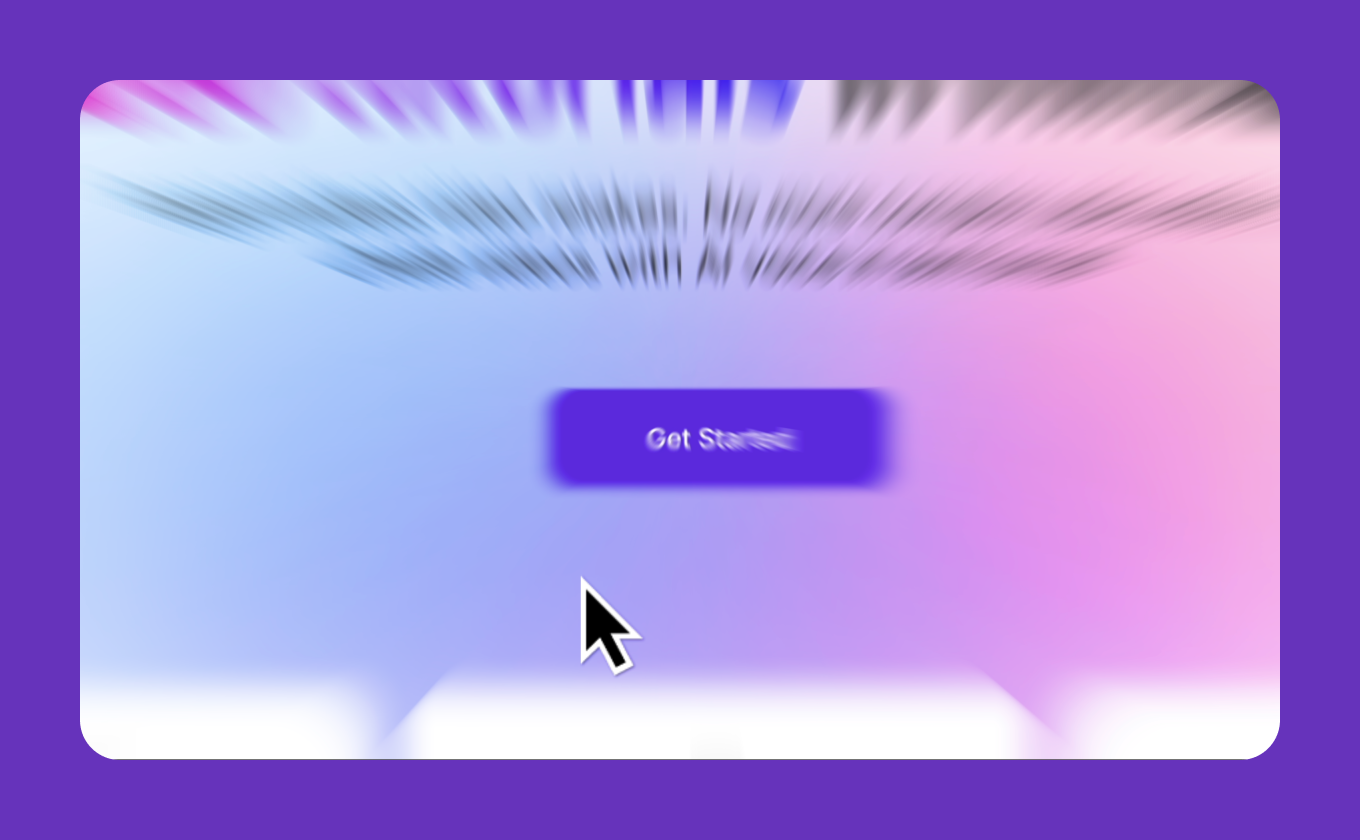
Transform your videos with fully customizable backgrounds and frames. Adjust colors, gradients, wallpapers, and frame settings.
Customizable Backgrounds
Choose between solid colors, gradients, or wallpaper images to create a visually appealing backdrop.
Background Blur
Subtly blurs the area surrounding your main content, helping to focus attention on the subject.
Video Frame Customization
Padding
Adjust the space around your video to reveal more or less of the background.
Corner Radius
Soften the edges with rounded corners for a modern touch.
Shadow Effect
Add depth with shadow effects that make your video content pop.
Mobile Recording
Visualize Taps with Ease
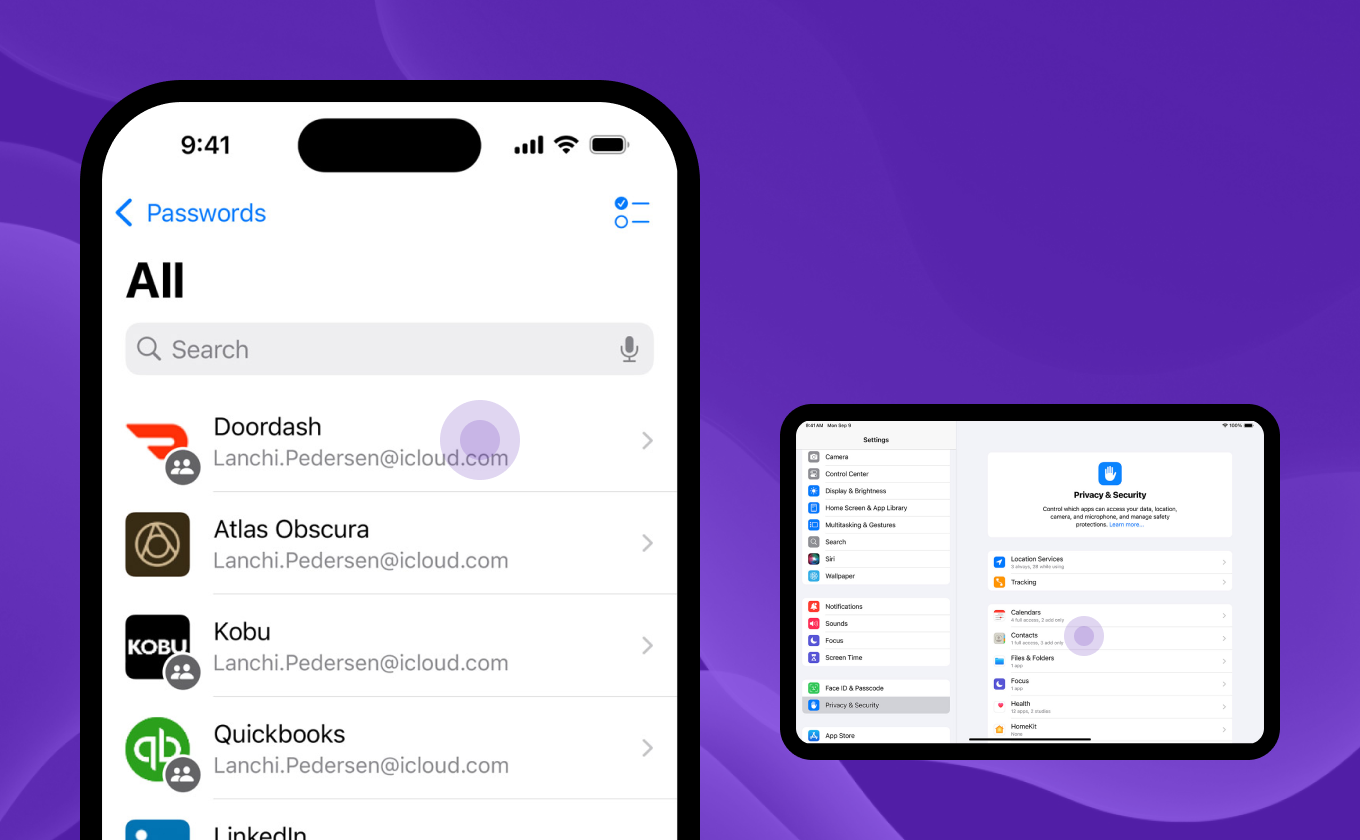
Take control of your screen recordings by making every tap count.
Our intuitive tap visualization feature allows you to manually highlight and customize every interaction on your iPad or iPhone. Assign labels to each tap, position them anywhere on the screen, and edit them effortlessly.
Privacy & Security
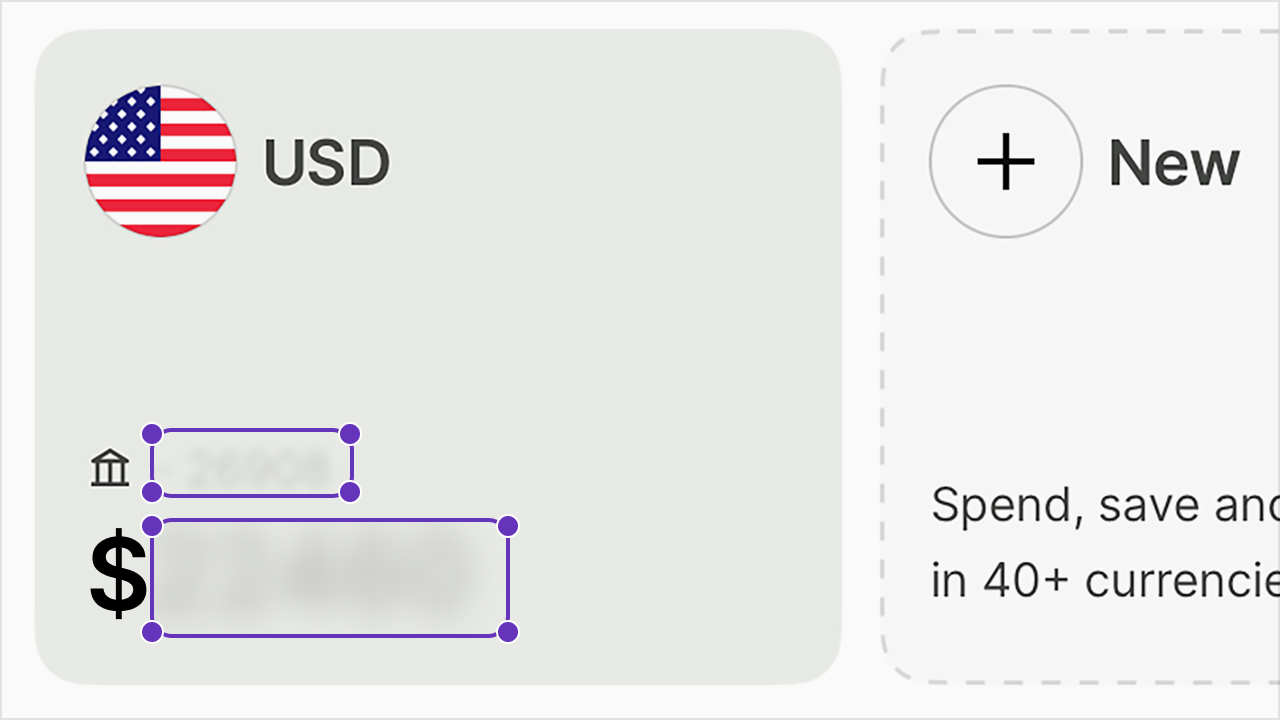
Blur sensitive information
-
 Hide confidential data on your screen effortlessly
 - Keep customer and employee information secure
- Build trust with safer materials