Script
Rewrite instructions, remove filler and make the narration clearer.

Turn a screen recording into a tutorial you can edit like text. Change the script, refine steps, regenerate AI narration and keep the video synced without working in a traditional timeline.
Rewrite a sentence, remove filler, reorder narration and refine instructions in a familiar document-style editor.
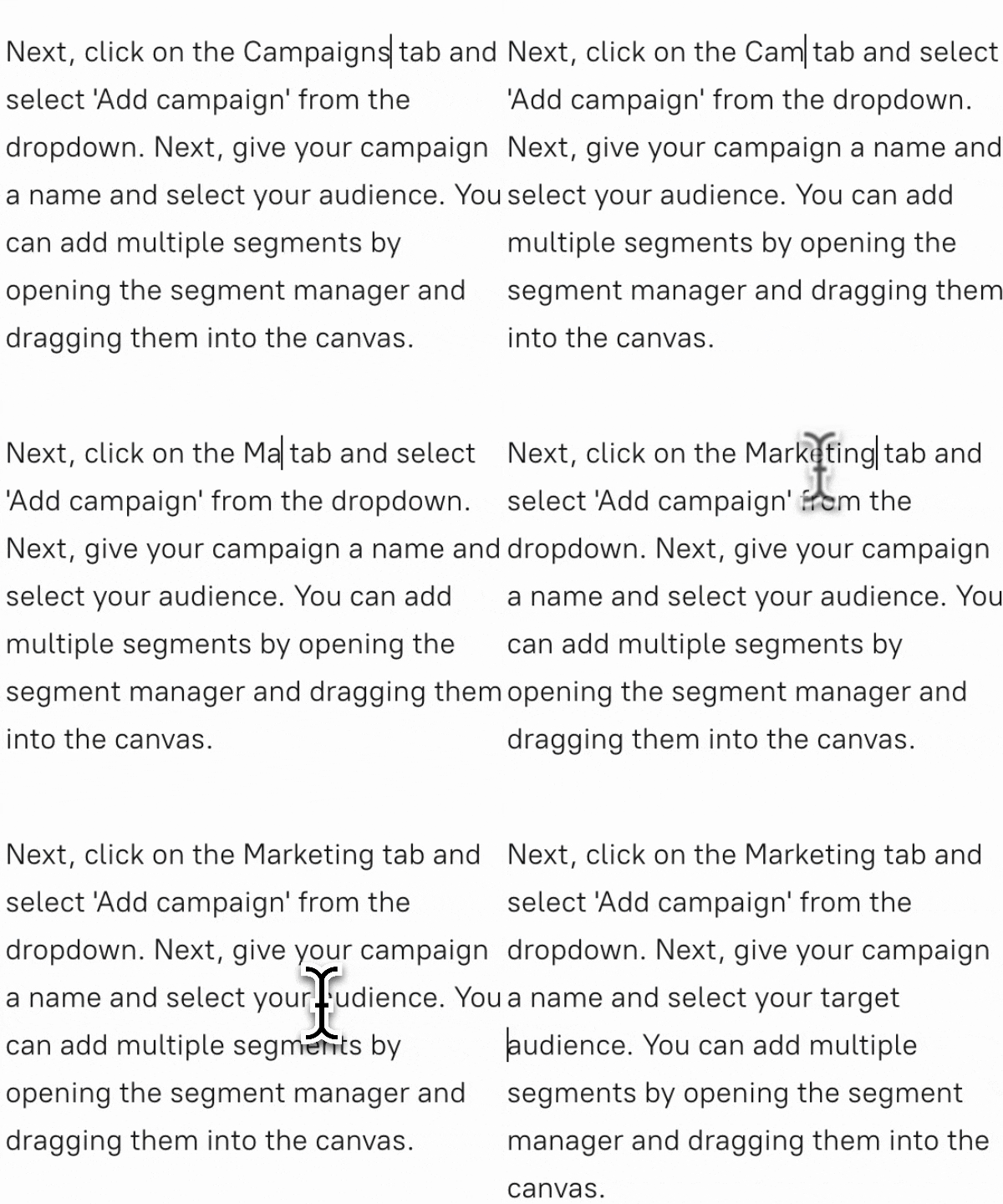
When the narration changes, regenerate the AI voice instead of re-recording the section yourself.
Tutorial AI keeps narration aligned to the screen recording so text changes do not turn into manual audio-clip editing.
The narration and tutorial structure use a document-style workflow. Visual styling stays in the visual editor, where you can control zooms, cursor effects, slides, captions and branding.
Rewrite instructions, remove filler and make the narration clearer.
Rearrange narration sections and refine the order without rebuilding the video from scratch.
Regenerate changed lines with an AI voice instead of recording the audio again.
Keep narration aligned to relevant moments using the script-based workflow and sync markers.
Use visual controls for zooms, cursor effects, slides, captions and branding.
A button label changes from “Create” to “New project.” Update the instruction in the script, regenerate that narration line and adjust the related visual section if needed. The rest of the tutorial stays intact.
Traditional editors are built around tracks, clips and manual audio timing. Tutorial AI is built around the tutorial itself: the recording becomes a script-led project, and narration can change as text while the video workflow stays connected.
Explore all Tutorial AI features, choose AI voices for tutorial narration, or see the software tutorial maker workflow.
How It Works
Hit record and walk through your workflow. No need to narrate — just focus on the actions.
AI generates the narration from your recording. Rewrite instructions, rearrange sections and refine each step in the document-style editor.
One click turns your text into studio-quality AI narration, perfectly synced to each scene.
Export in HD, share via link, or embed anywhere. Your tutorial is ready in minutes.
Why It's Better
Tutorial AI is built for software tutorials and walkthroughs. Traditional editors give you a timeline; Tutorial AI gives you the script and keeps the narration connected to what happened on screen.
Update your video narration as easily as typing in a document.
Ensure your narration perfectly matches the onscreen actions for clearer understanding.
Enable anyone, regardless of voice or language skills, to produce professional tutorials.
An AI tutorial builder turns a screen recording into a structured tutorial and helps automate the work around scripting, narration and editing. Tutorial AI creates an editable script from the recording, adds AI voiceover and lets you refine the result before publishing.
Yes. Tutorial AI uses a script-based editor, so you can rewrite and refine narration like a document instead of cutting audio on a traditional timeline.
No. You can record silently and let AI draft the narration from the screen activity, or speak while recording and use AI transcription as the starting point.
You can regenerate the AI narration for the updated text and keep the tutorial aligned to the recording.
Yes. Visual controls such as zooming, cursor effects, slides, captions and branding are edited in Tutorial AI’s visual tools. Not every visual change is made by typing in the document editor.
A normal editor is built around clips and timelines. Tutorial AI is built for tutorials: it starts from a screen recording, generates the script and narration, and makes content updates much closer to editing a document.
Related workflows: AI transcription, screen recording to SOP, and download the Tutorial AI recorder.
Record the workflow. Edit the explanation like a document. Let Tutorial AI handle the script, AI voice and sync.
Compare plans on Tutorial AI pricing.