Before
A raw screen recording can include shaky cursor movement, unnecessary idle motion and clicks that are easy to miss.

Make software tutorials easier to follow with smooth cursor movement, larger cursors, click highlights and automatic cursor effects after recording.
Before and after
Keep attention on the action that matters without manually animating a cursor on a video timeline.
Before
A raw screen recording can include shaky cursor movement, unnecessary idle motion and clicks that are easy to miss.
After
Tutorial AI can smooth the cursor path, increase cursor size, highlight clicks and hide the cursor when it is not helping the viewer.
Guide viewers through each screen action with a cursor that is easy to see and moves without distracting jumps.
Make your cursor stand out with increased size. Perfect for tutorials or presentations where attention to detail matters.
Enhance the viewing experience with a streamlined cursor path that eliminates distracting movements.
Apply cursor polish after recording so important clicks stand out and unnecessary cursor movement stays out of the way.
Keep your videos clean by hiding the cursor while typing, ensuring viewers stay concentrated on the content.
Reduce distractions by having the cursor automatically disappear when inactive.
Highlight interactions effortlessly with automatic click animations that draw attention to important actions.
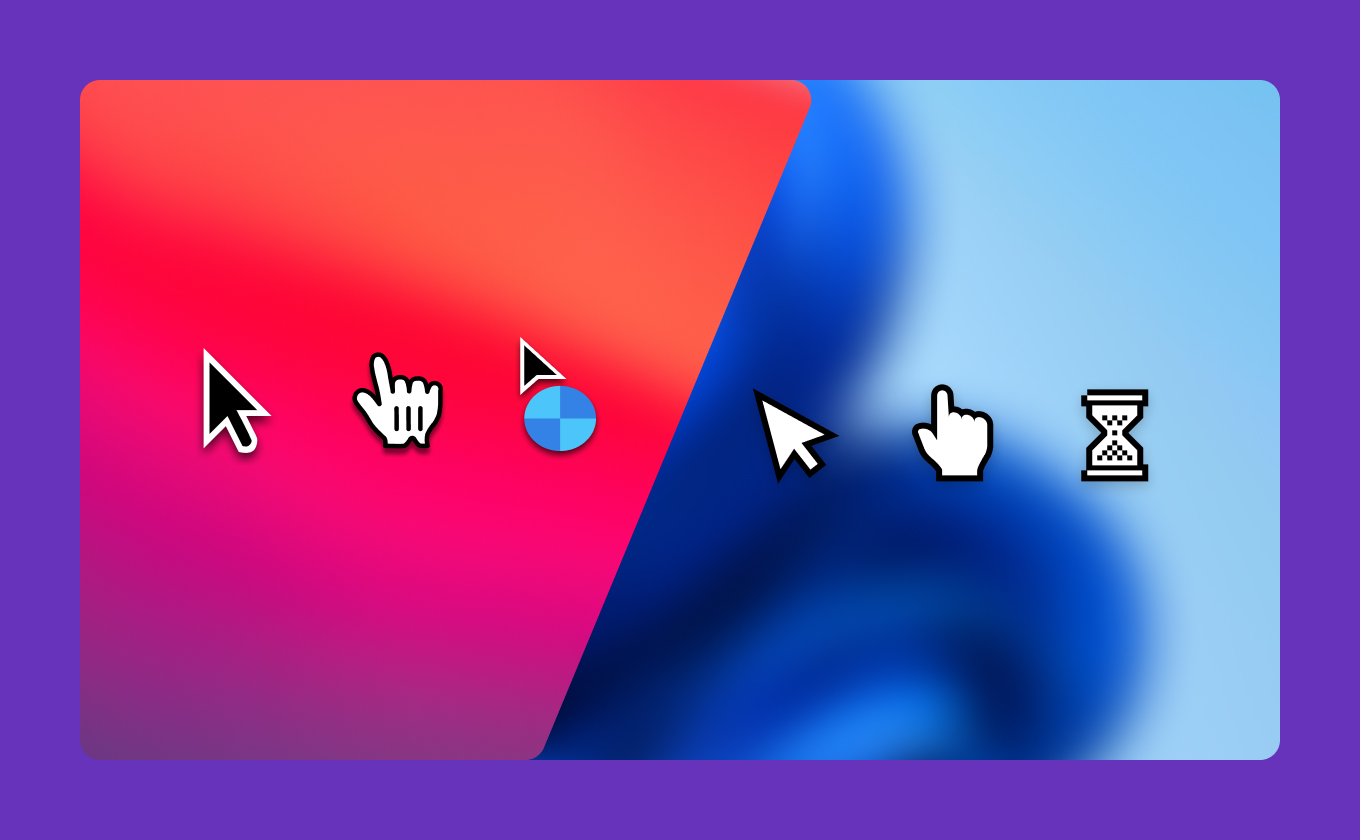
Elevate your visuals with sharp, high-resolution system cursors that maintain clarity on Mac and Windows.
Elevate the aesthetics of your videos with blur effects for your cursor.
FAQ
Yes. Tutorial AI includes cursor-path smoothing designed to make screen-recorded tutorials easier to follow.
Yes. Click animations and highlights can draw attention to important interactions in the recording.
Yes. You can hide the cursor while typing or when it is idle.
No. Cursor polish can be applied without building manual keyframe animations in a traditional video editor.
Edit the cursor, narration and visual emphasis in the same tutorial project.
Cursor effects are one part of the Tutorial AI editor. Record the software workflow, refine the narration, smooth the cursor, add emphasis and publish the finished tutorial from the same project.
Start free