
Scribe (formerly ScribeHow) is one of the most popular tools for automatically generating step-by-step written guides from screen actions. It captures your clicks, form entries, and navigation, then produces annotated screenshot guides that are easy to share and embed. For teams creating SOPs, internal process docs, and help articles, it's been a go-to choice.
But as documentation needs evolve — video tutorials alongside written guides, multilingual support, AI-powered production, SEO-ready knowledge bases — many teams find Scribe's screenshot-only approach too limited. In this guide, we compare the top Scribe alternatives across documentation, video creation, interactivity, and team collaboration to help you find the right fit.
Why Teams Look for Scribe Alternatives
1. No Video Output
Scribe produces written guides with annotated screenshots — no video. In help centers, onboarding flows, and training programs where video drives significantly higher engagement and retention, this is a meaningful gap. Teams increasingly need both formats and don't want to use two separate tools.
2. No AI Voiceover or Narration
Scribe has no audio component. There's no AI voiceover generation, no narration, and no way to produce content that people can listen to rather than read. For teams creating training materials or customer-facing tutorials, audio narration is often expected.
3. Limited Customization and Branding
Scribe's output is functional but visually basic. Customization options for branding, layout, and styling are limited — especially on lower-tier plans. For customer-facing documentation that needs to match your brand identity, this restriction pushes teams toward more flexible tools.
4. No Translation or Multilingual Support
Scribe has no built-in translation capabilities. For global teams who need documentation in multiple languages, this means manual translation or pairing Scribe with another tool. Alternatives like Tutorial AI offer 1-click translation into 74 languages.
Top Scribe Alternatives Compared
1. Tutorial AI — Video + Documentation from One Recording
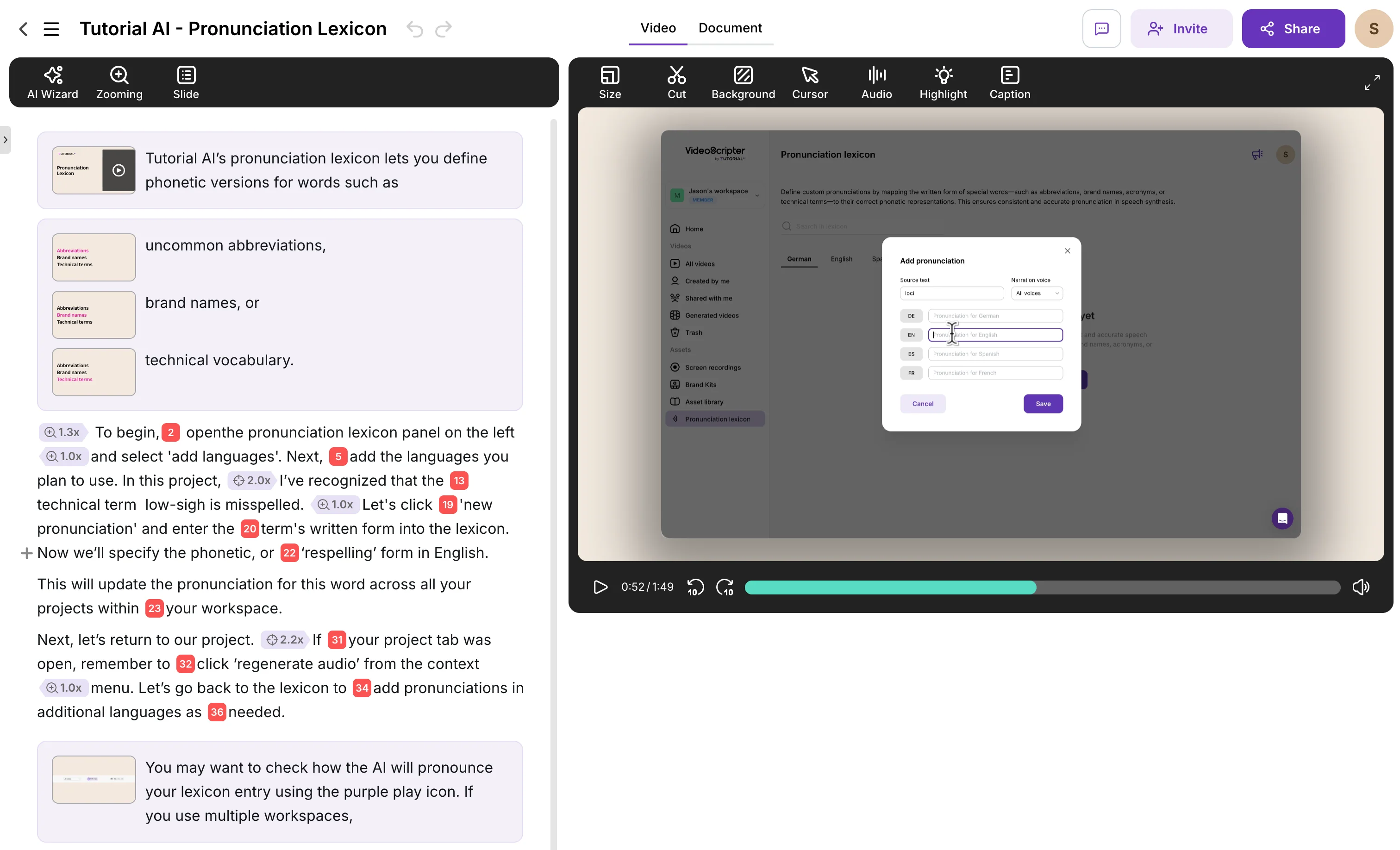
Tutorial AI directly addresses Scribe's biggest limitation: it produces both polished video tutorials and written step-by-step documentation from a single screen recording. Where Scribe gives you annotated screenshots, Tutorial AI gives you a professional video with AI voiceover in 74 languages, smooth cursor effects, automatic zoom, and captions — plus the written guide alongside it.
The editing model is text-based: you edit narration like a document, not on a video timeline. Ask AI can rewrite, restructure, or adjust the tone of your script. When your product updates, you edit the text and regenerate — no re-recording needed. Brand kits ensure every output matches your company's visual identity.
Key Features
- Dual output: video tutorial + written documentation from one recording
- AI voiceover in 74 languages with studio-quality voices
- Text-based editing — edit narration like a Google Doc
- Cursor smoothing, click highlights, and auto-zoom
- AutoRetime translations — 1-click into 74 languages
- Brand kits for consistent logos, colors, and fonts
- SCORM 1.2 and 2004 export for LMS delivery with completion tracking
Advantages over Scribe
- Video + written docs from one recording — no need for two tools
- AI voiceover eliminates the need to narrate live or record audio
- Update tutorials by editing text, not re-recording or re-capturing
- 74 language translations from a single recording
- Post-production effects (zoom, cursor, blur) applied automatically
Pricing
Free plan available. Paid plans from $29/month with unlimited recordings and AI features. Enterprise plans with brand kits and team management.
2. Scribe vs Tango
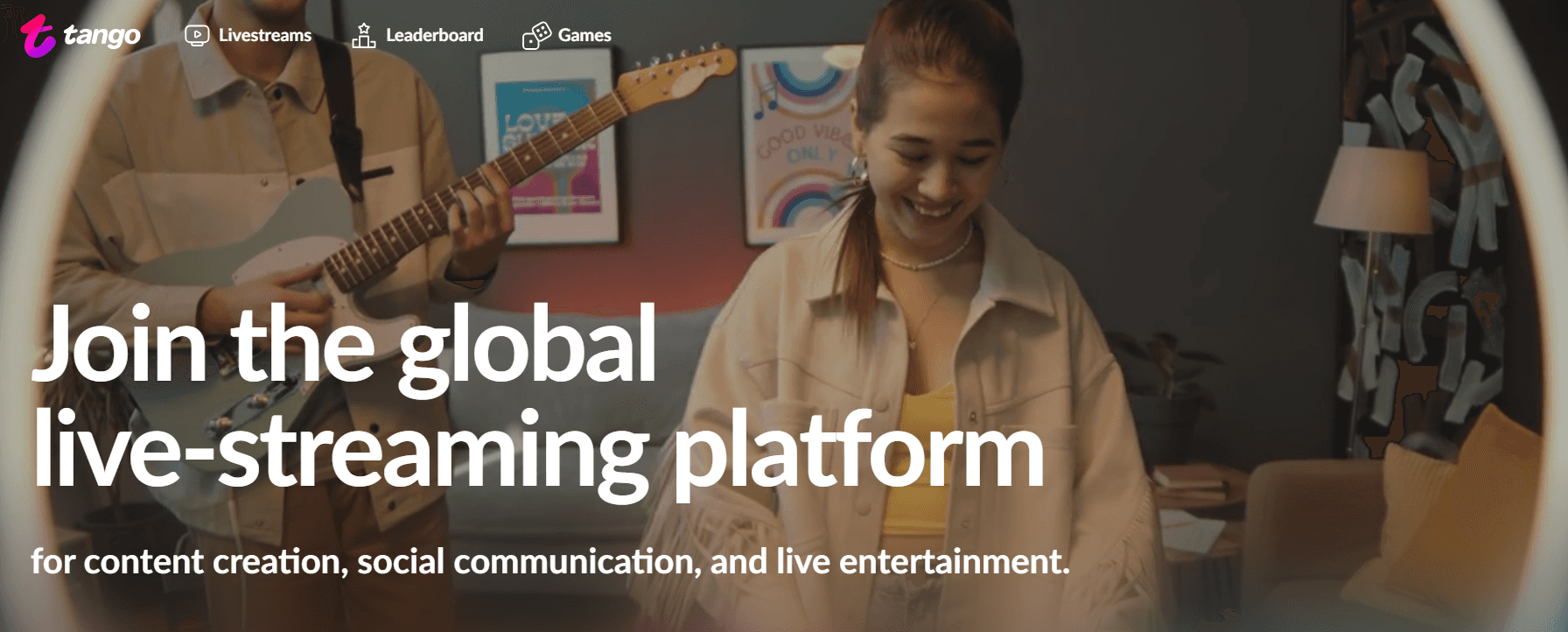
Tango is Scribe's most direct competitor in the step-by-step documentation space. It captures your workflow actions — clicks, typing, navigation — and generates clean visual guides with smart field highlighting and annotations. The output is well-designed and easy to share, embed in Confluence or Notion, or export as PDF.
Tango improves on Scribe in UX design and visual clarity. The team organization features (folders, version control) are also strong. However, like Scribe, Tango produces written guides only — no video, no AI voiceover, no audio narration. There are no SEO features, no analytics on guide engagement, and no translation capabilities.
Pricing
Free plan available. Pro from $20/user/month. Enterprise pricing available.
3. Scribe vs Guidde
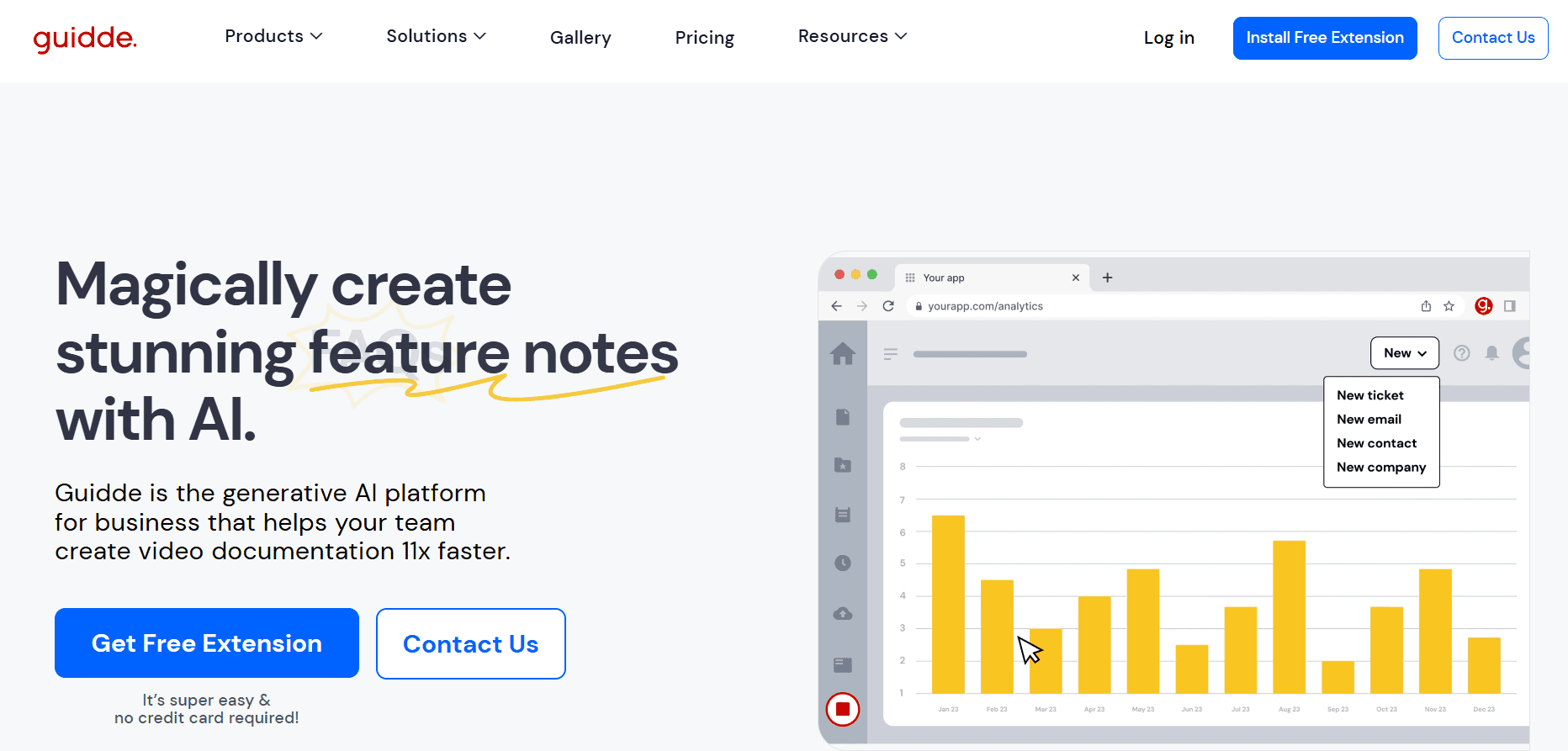
Guidde takes a video-first approach to documentation, differentiating it from Scribe's screenshot-only output. It offers AI narration and subtitles, visual overlays, and quick SOP creation through a browser extension. For teams who want video documentation without learning a video editor, Guidde fills a gap that Scribe can't.
However, Guidde's integration options are restricted on lower tiers, workflows are capped at approximately 100 steps, and editing capabilities are basic — no cursor effects, no zoom, limited branding. Multi-language translation is limited compared to tools like Tutorial AI. For complex processes or customer-facing content that needs polish, Guidde's ceiling becomes apparent.
Pricing
Free plan available. Paid plans for advanced features. Integration restrictions on lower tiers.
4. Scribe vs Iorad
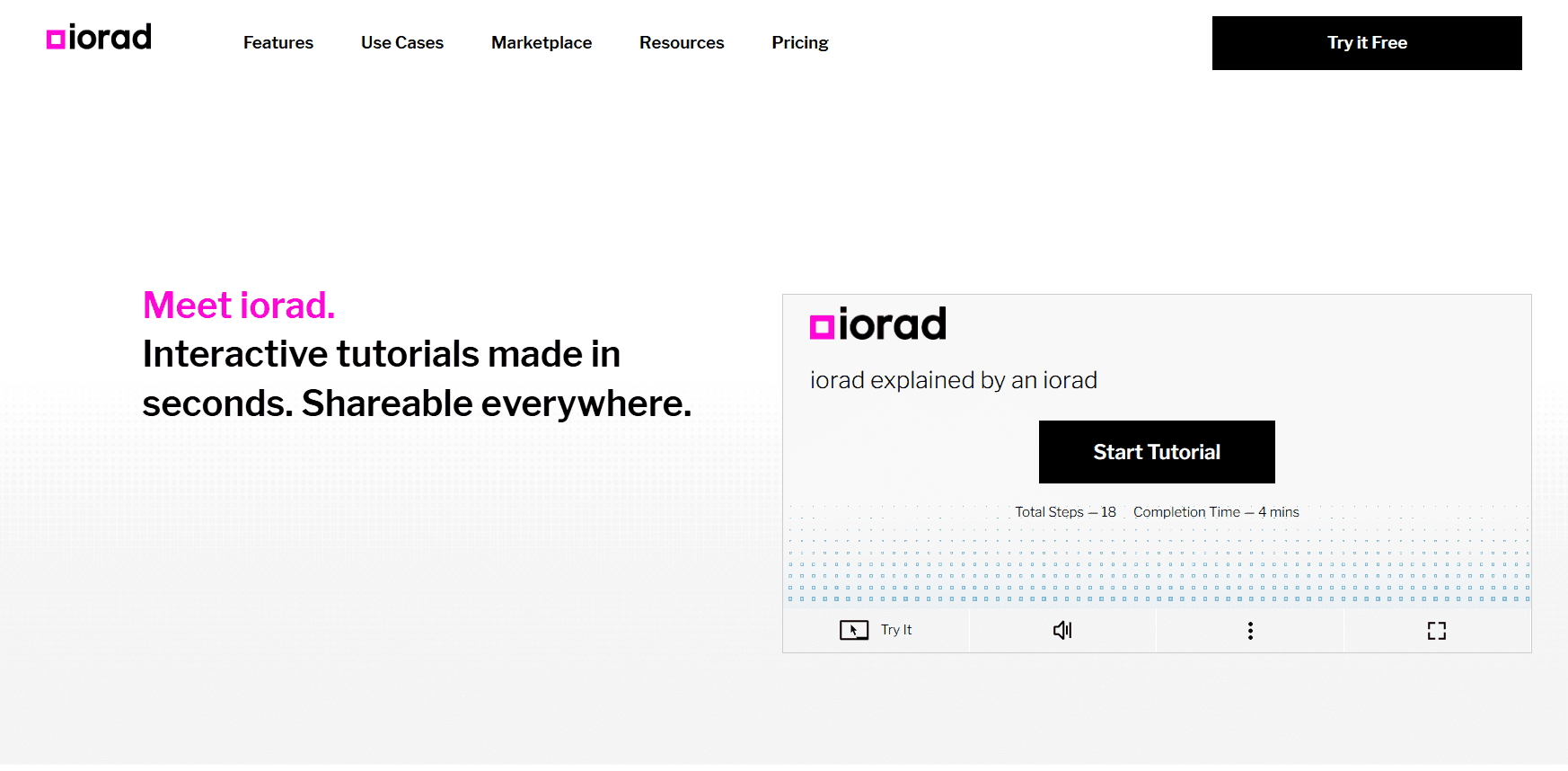
Iorad takes a fundamentally different approach: instead of static guides, it creates interactive walkthroughs where users click through steps as if performing the actual actions. This makes it particularly effective for onboarding and training, where hands-on practice improves retention. The real-time capture monitors mouse and keystroke actions to build these interactive experiences.
Iorad supports localization, SCORM export for LMS integration, and embeddable modules — making it a strong choice for formal training programs. However, the UI feels dated compared to modern alternatives, pricing is enterprise-tier for advanced features, and the tool is less suitable for marketing-oriented documentation or customer-facing help content. There's no AI voiceover and no text-based editing.
Pricing
Enterprise-tier pricing for advanced features. Contact sales for specific costs. Free plan may be available with limitations.
5. Scribe vs Zight (formerly CloudApp)
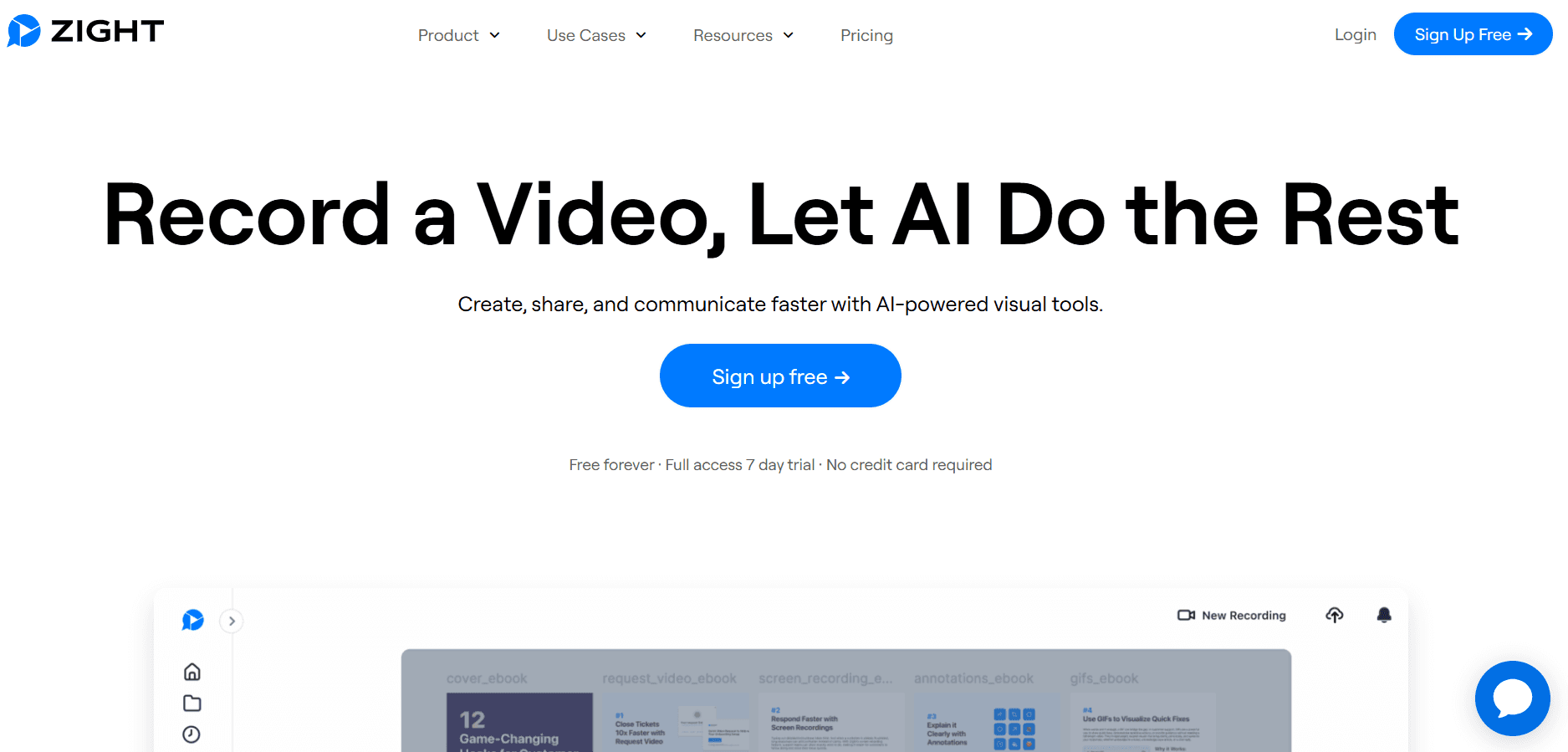
Zight (formerly CloudApp) is a visual communication tool rather than a documentation platform. It excels at quick screenshots, short screen recordings, GIF creation, and annotated images — all shareable with a link. For developers, designers, and support teams who need to communicate visually and fast, Zight's speed is its biggest advantage.
As a Scribe alternative, Zight is more of a lateral move than an upgrade. It doesn't produce structured step-by-step guides, has limited branding and layout control, and weak export and archiving options. Viewer analytics are included, which Scribe lacks, but there's no AI voiceover, no translation, and no documentation generation from recordings.
Pricing
Free plan available. Pro from $9/month (annual). Team from $11/user/month (annual). Enterprise pricing available.
6. Scribe vs Tella
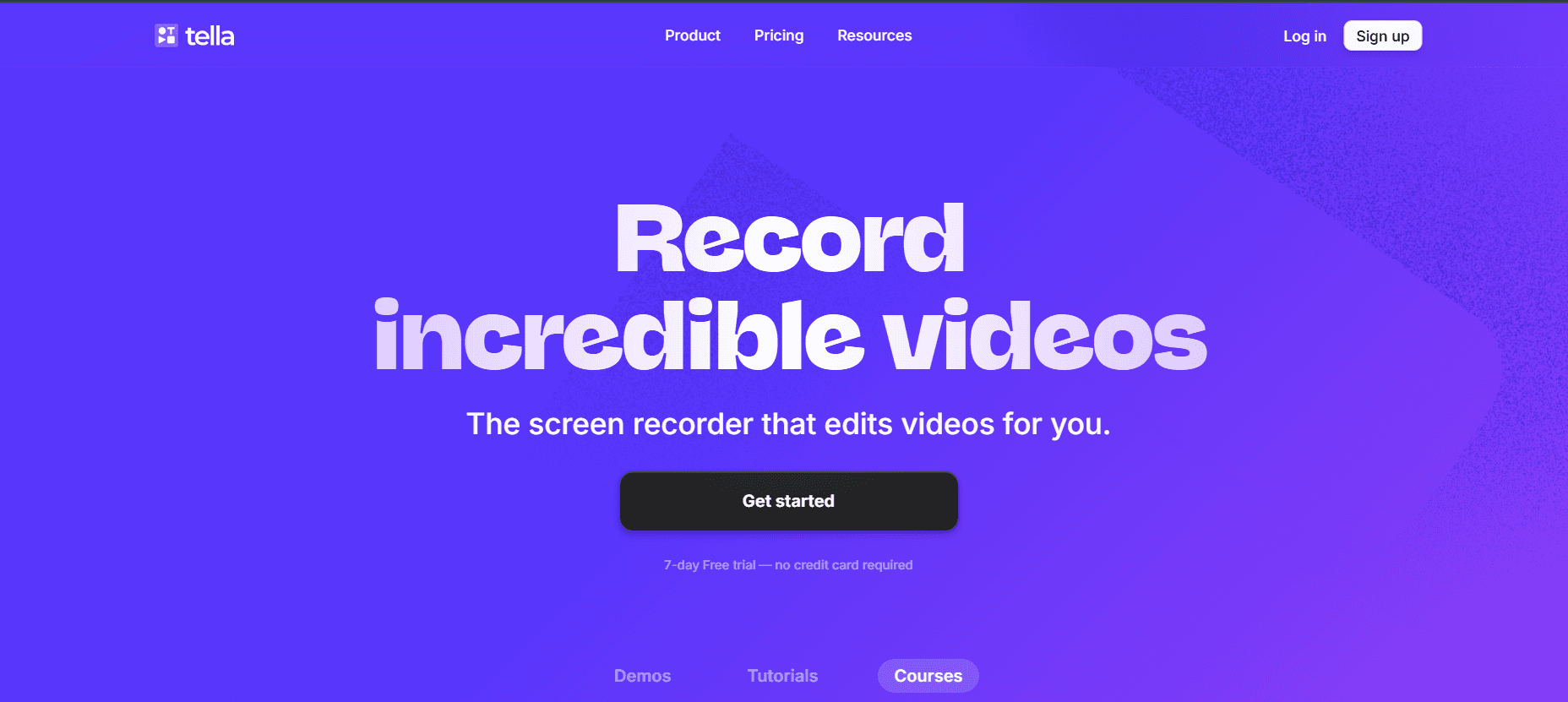
Tella is a video recording and editing tool designed for creating polished, branded screen recordings. It uses a scene-based approach — you can combine screen recordings, webcam footage, slides, and other assets into a single video. The template library and customization options produce visually attractive output, making it popular with product marketing and customer success teams.
Tella is a different category from Scribe — it produces video, not written documentation. There are no step-by-step guides, no collaboration or version control features, and no search, SEO, or analytics capabilities. If you need Scribe-like documentation alongside video, you'd need to pair Tella with another tool. Tutorial AI's dual-output approach (video + docs from one recording) eliminates this need.
Pricing
Free plan available. Paid plans for advanced features and team use. Browser-based, no installation required.
Feature Comparison Table
Here's how the top Scribe alternatives compare across the features that matter most for documentation and tutorial creation:
| Feature | Tutorial AI | Tango | Guidde | Iorad | Zight | Tella |
|---|---|---|---|---|---|---|
| Video tutorial output | Yes — AI voiceover, effects, polish | No | Yes — AI narration | Interactive walkthroughs | Basic recording | Yes — scene-based |
| Written documentation | Auto-generated from recording | Auto-captured guides | Basic SOPs | Interactive step players | Annotations only | No |
| AI voiceover | 74 languages, studio quality | None | AI narration & subtitles | None | None | None |
| Translations 2.0 | 1-click into 74 languages with AutoRetime — review drafts in a Translation Folder, then publish per language or all at once | None | Limited | Localization support (manual) | None | None |
| Multilingual embed player | One embed, all published languages, in-player language switcher | Separate guide per language | Separate video per language | Separate module per language | No multilingual embed | No multilingual embed |
| Cursor effects & zoom | Auto-smooth, auto-zoom, highlights | Smart highlighting | Visual overlays | Interactive click-through | Annotations | None |
| Brand kits | Logos, colors, fonts | Limited | Limited | None | Logos & colors | Templates |
| SEO & analytics | Via publishing integrations | None | Basic | SCORM/LMS tracking | Viewer analytics | None |
| Collaboration | Shared projects, comments | Team folders, version control | Sharing & embeds | Embeddable modules | Slack/Asana integration | No version control |
| Pricing | Free plan, from $29/mo | Free plan, from $20/mo | Free plan available | Enterprise pricing | Free plan, from $9/mo | Free plan available |
Frequently Asked Questions
What are the best Scribe alternatives in 2026?
The top alternatives depend on your needs. Tutorial AI produces both video tutorials and written documentation from a single recording — the strongest option for teams needing both formats. Tango offers clean step-by-step guides with good team organization. Guidde focuses on video-first documentation with AI narration. Iorad specializes in interactive walkthroughs. Zight excels at quick visual communication. Tella is best for branded video recordings for marketing teams.
Which Scribe alternative also produces video tutorials?
Tutorial AI is the strongest option here — it generates polished video tutorials with AI voiceover in 74 languages alongside written documentation from a single screen recording. Guidde also produces video documentation with AI narration and subtitles. Tella creates branded video recordings but without structured step-by-step documentation. Iorad produces interactive walkthroughs that function like guided video. Tango and Scribe itself produce written guides only.
Can I use these tools for knowledge base and help center content?
Yes, several of these tools integrate with knowledge bases. Tutorial AI generates both video and written documentation that can be published to your CMS or help center, and can also export finished videos as SCORM 1.2 or 2004 packages for LMS delivery with completion tracking. Tango guides embed in Confluence, Notion, and other platforms. Guidde content can be shared and embedded. Iorad modules can be embedded in LMS and help systems via SCORM. Zight is more oriented toward quick sharing than structured knowledge bases.
Which tool supports the fastest documentation creation?
For written step-by-step guides, Tango and Scribe are the fastest — they capture clicks automatically as you work. For video + documentation output, Tutorial AI is the fastest path to polished results since AI handles voiceover, cursor effects, and formatting automatically. Zight is fastest for quick screenshots and short recordings. Guidde is fast for video-first SOPs with AI narration.
Do these tools offer multilingual support?
Tutorial AI offers the most comprehensive multilingual capability with AutoRetime translations that convert voiceover, captions, and video timing into 74 languages from one recording. Guidde has some multilingual features for narration. Iorad supports localization for interactive tutorials. Tango, Zight, and Tella have no built-in translation features.
Which Scribe alternative is best for onboarding and training?
For structured onboarding programs, Iorad's interactive walkthroughs let new employees click through processes themselves — excellent for hands-on learning. Tutorial AI combines video tutorials with written guides, giving onboarding teams both formats from one recording. Tango's clean step-by-step guides work well for internal process documentation. Guidde's video-first approach works for visual training content.