SOPs & Documentation
Double your content's value —
without doubling your work
Create interactive SOPs with Voiceover. Fast.


One Recording, Two Outputs
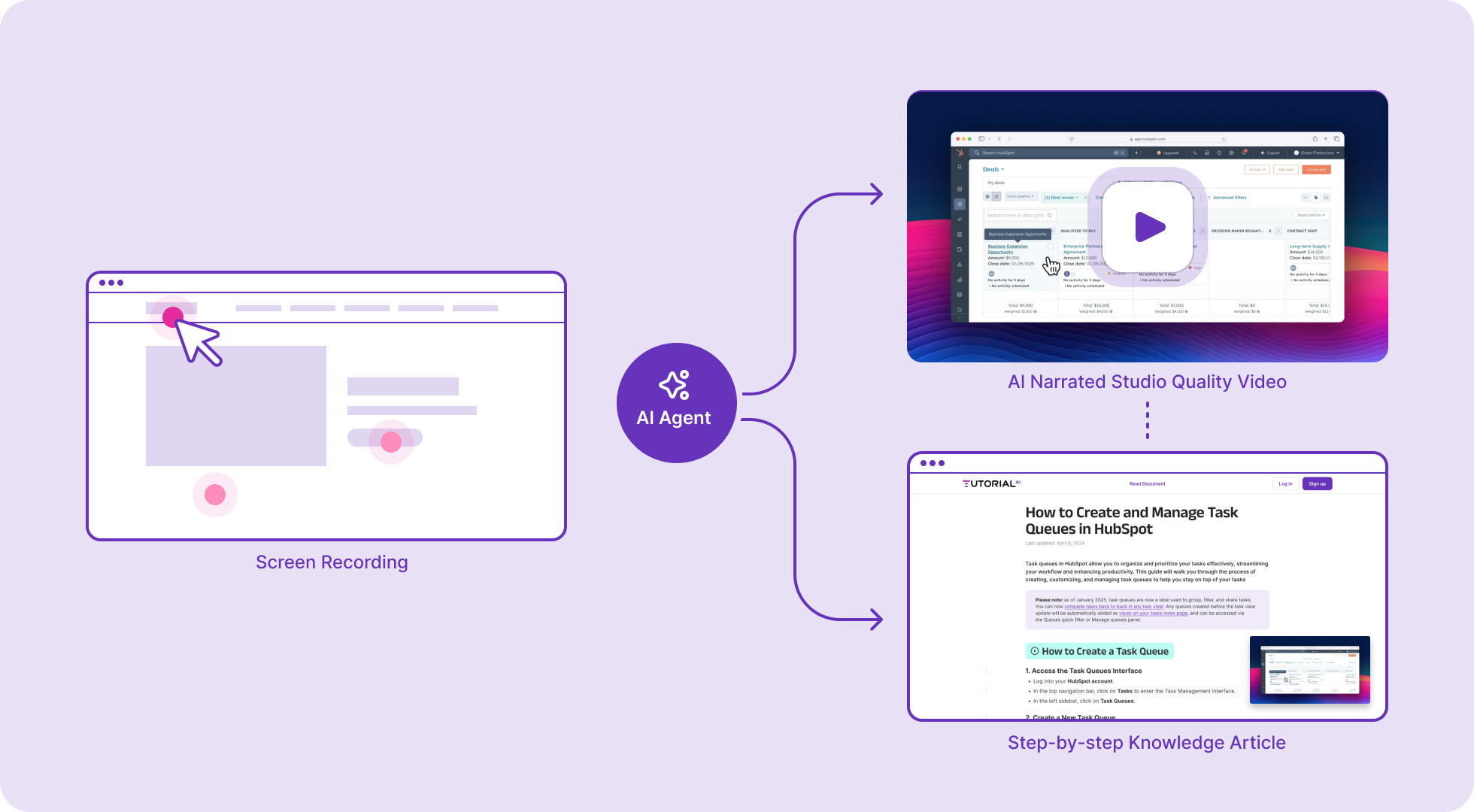
Capture your workflow: Get Video and Article, Instantly
Record your screen as you perform any process. Tutorial AI transforms that single recording into a professional narrated video SOP and a written step-by-step article with screenshots — simultaneously.
-
 Publish and share with a single link — video and article in one view
 - Embed anywhere — help centers, wikis, LMS, Notion, Confluence
- Unpublish or update at any time — embedded content refreshes automatically
Documentation Made Easy
Save Hours on Documentation
Traditional SOPs take hours to write, screenshot, and format. With Tutorial AI, a 5-minute screen recording produces both a narrated video and a written guide — ready to share.
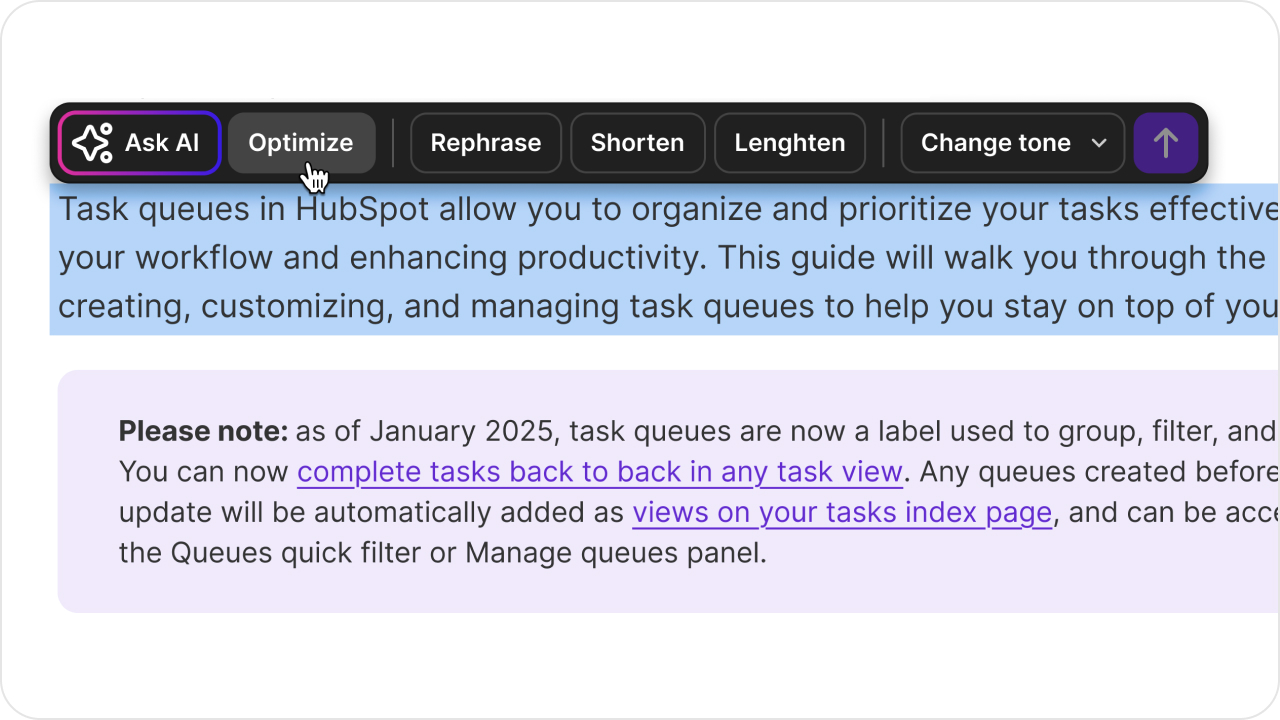
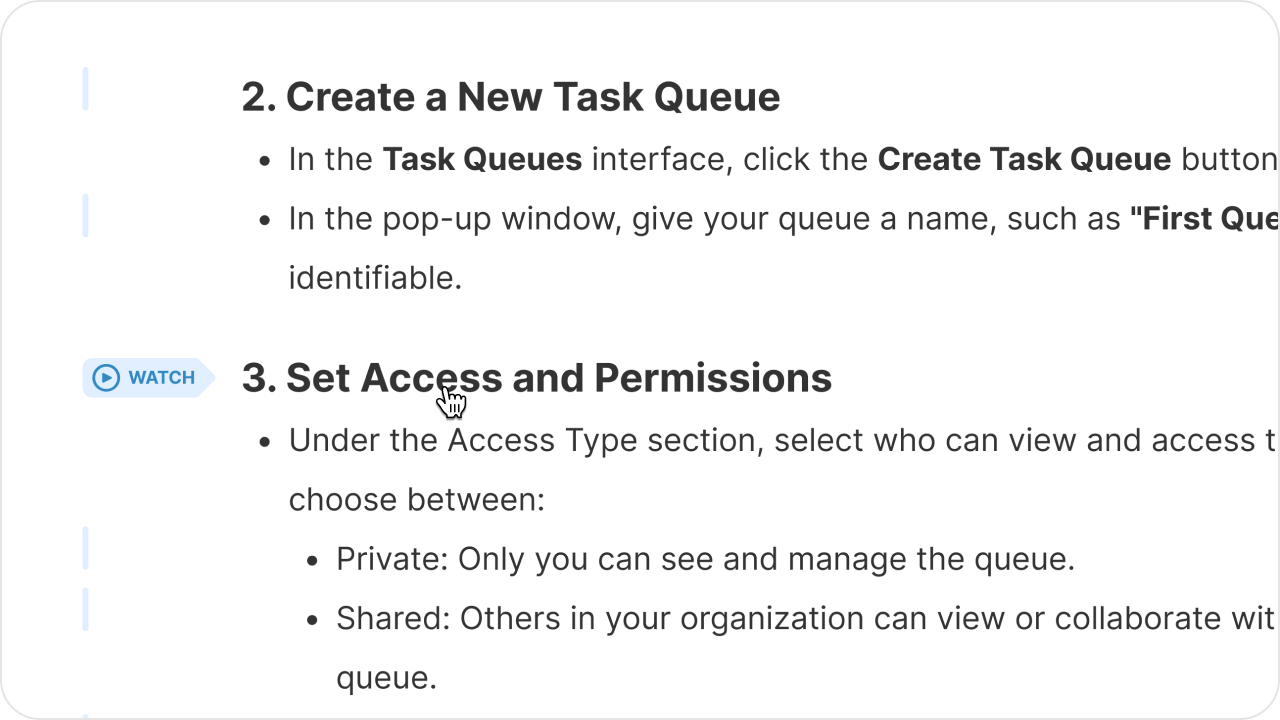 AI writes the script and narrates in 74 languages Smart zoom effects highlight key actions automatically Screenshots are captured and annotated for the written SOP
 Complex Workflows
Clarity for Even the Most Complex Workflows
Whether it's a multi-step ERP process, a CRM workflow, or a compliance procedure — video SOPs make complex operations crystal clear. Employees see exactly what to click, where to navigate, and what to type.
Cursor highlights and zoom effects guide attention to the right place Blur sensitive data automatically — PII, credentials, financials Captions and translations for multilingual teams 









Multiple learning styles. One experience.
Some people learn by watching, others by reading. With Tutorial AI, every SOP serves both — a narrated video for visual learners and a written guide with screenshots for those who prefer text. Viewers switch between video and article in a single, unified view.
Create once. Share in every format.
Export your SOP as a video, a written article with screenshots, or both. Publish to your LMS, embed in Confluence, Notion, or any help center. Share a single link that always stays up to date.
Try now