A support lead is looking at a 14-minute walkthrough that’s scheduled to publish tomorrow. During QA, someone spots a customer’s email address in an inbox pane at frame 212. The team’s default editor can blur a face, but it can’t reliably follow text that appears for four frames, disappears behind a cursor, and returns after a cut.
That’s not a theoretical privacy review. It’s a Tuesday afternoon, and the recording can’t ship until the visible data is gone and someone can prove it’s gone. Video redaction software helps turn that fire drill into a repeatable workflow, but only when teams evaluate more than face and license-plate blurring.
This guide covers what redaction tools do, which capabilities deserve separate scores, where automation still needs human review, and how support, training, public-safety, and documentation teams can build a safer path from capture to publication. It also addresses audio, durable exports, governance, and the point where redaction tools sit beside documentation platforms such as Tutorial AI.
The Recording You Almost Shipped
The first task is containment. Remove the draft from its publishing queue, restrict access to the raw file, and record exactly which version failed review. Don’t overwrite the original while trying to fix it. You need the untouched source for controlled reprocessing, but it shouldn’t remain casually available in a shared folder.
Next, identify the exposure surface. In a screen recording, that may include email addresses, account numbers, browser tabs, terminal output, customer names, or support tickets. In a camera recording, it may include faces, vehicle plates, badges, documents, or voices in the background. The mistake many teams make is treating the visible customer email as the whole problem when the same recording contains spoken identifiers or another sensitive element several minutes later.
Use a repeatable review path
A practical workflow separates detection, correction, and approval:
- Inventory the source: Note the file owner, intended audience, destination, and retention location.
- Run automated detection: Let the redaction system scan faces, plates, text, objects, and spoken content where supported.
- Review uncertain areas: Inspect low-confidence detections, short appearances, reflections, occlusions, and audio transcript matches.
- Export a controlled copy: Preserve the source separately and move only the approved derivative into publishing.
- Document approval: Capture who reviewed the file, what was masked, and which final export was released.
That final record matters. A safe-looking video isn’t enough if nobody can explain how it was checked or whether the mask survived export. Modern systems increasingly combine automatic tracking with reviewer correction because no automated tool is fully accurate across real-world CCTV, bodycam, and dashcam footage, as described in this technical overview of video redaction accuracy.
The rest of the workflow should answer practical questions. Can the software redact audio as well as pixels? Does it preserve the original? Can it track an object through re-entries and edits? Will the final file remain protected after transcoding? And can the cleaned recording move into a help article, training library, or evidence system without losing its privacy controls?
What Video Redaction Software Actually Does
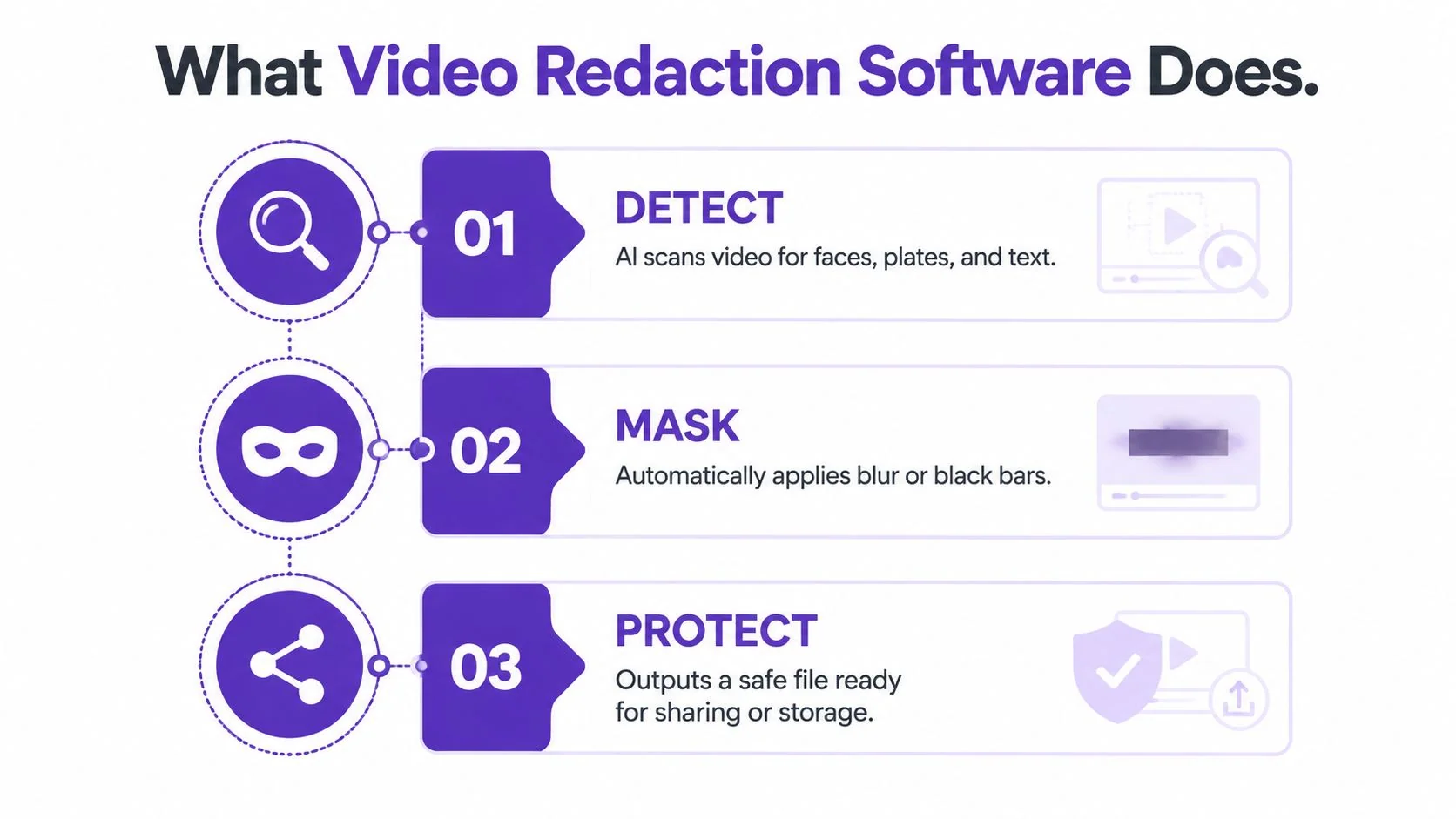
Video redaction software detects, masks, or removes sensitive content before a recording is shared, published, or retained. Older workflows depended on manually placed black bars or static blur, often frame by frame. As online video sharing expanded, demand grew for automated privacy protection. By early 2010, machine-learning techniques supported automatic detection, object tracking, and related enhancement features, according to this history of video redaction software.
Tracking works like context-aware spellcheck. A basic system checks each frame independently. A more capable one follows the same face, plate, screen, or object as it moves, changes position, disappears briefly, or becomes partly obscured. That distinction affects review time and the number of missed identifiers that reach an export.
Three jobs define a safe workflow
- Find sensitive elements. The tool should identify faces, plates, text, screens, objects, and spoken identifiers relevant to the recording.
- Mask them durably. The export should prevent practical recovery and keep the mask aligned through cuts, compression, and downstream sharing.
- Produce evidence. Reviewers need a record of what was detected, changed, approved, and exported.
Durable masking is where many workflows fail. An effect that looks correct in the editor may break after compression, cropping, or a misconfigured export. Some visual treatments can also be partially reversed or bypassed while the underlying pixels remain available. Check whether the system permanently renders redaction into the derivative, preserves the original separately, and validates the delivered file.
The workflow also has to cover audio, governance, and handoff. Spoken names, addresses, or case details can expose the same person that the video hides, while an undocumented approval leaves teams unable to explain what changed. The final export must remain protected through transcoding and downstream sharing, and the cleaned recording must retain privacy controls when moved into a knowledge base or evidence system.
The market is expanding as agencies handle body-worn-camera, dashcam, CCTV, interview, and surveillance footage at volumes that make fully manual redaction impractical. A separate video redaction market overview estimates a $1.8 billion market in 2025, projected to reach $3.9 billion by 2034, with an 11.2% CAGR. Those figures reflect a practical shift: redaction is becoming a governed privacy workflow, supported by automation and human review, rather than a last-minute editing task.
Core Capabilities Worth Comparing
A feature checklist can hide the decisions that determine whether a deployment is safe. Score each capability against your footage, then test difficult samples instead of relying on a polished demo.
| Capability | What to evaluate | Common vendor gap |
|---|---|---|
| Face detection and tracking | Recall across profile views, occlusions, re-entries, poor lighting, and moving cameras | Tracks the initial appearance but loses the face after an obstruction or cut |
| License-plate recognition | Performance across angles, blur, motion, varied fonts, and non-standard plates | Works mainly on clear, front-facing plates |
| Audio redaction | Bleeps, muting, voice alteration, transcript search, and word-level timing | Detects speech but offers weak correction controls |
| Object and text tracking | Custom objects, documents, badges, browser panes, terminal windows, and on-screen PII | Handles faces but misses short-lived text |
| Automation depth | Batch queues, confidence thresholds, reviewer routing, and repeatable presets | Processes one file at a time without useful exception handling |
| Export durability | Mask integrity after transcoding, platform re-encoding, cropping, and collaboration | Looks safe in the editor but fails in the delivered file |
Face and plate performance should prioritize recall. One missed identifier can matter more than many correct masks in a demo. Leading systems report over 99% recall on identifiable faces, while the same independent analysis notes that no automated tool reaches 100% accuracy in every real-world environment. Human verification therefore remains part of a compliant release. For practical implementation details, see this guide to blurring sensitive data in video.
Audio needs a separate test because spoken identifiers follow different failure patterns. A transcript-based workflow can help reviewers find a name or address and mute the related interval, yet overlapping speakers, imperfect transcription, background speech, and repeated terms can leave gaps. Check for transcript confidence, waveform editing, word-level timing, and a review view that shows every occurrence of a sensitive term.
Export behavior belongs in the same evaluation. Render a derivative, transcode it, crop it, and pass it through the platforms your support or training teams use. Confirm that masks stay fixed and that the protected file remains separate from the original. A tool that performs well in the timeline but weakens during delivery creates a privacy problem after the editing work appears complete.
Automated Versus Manual Redaction
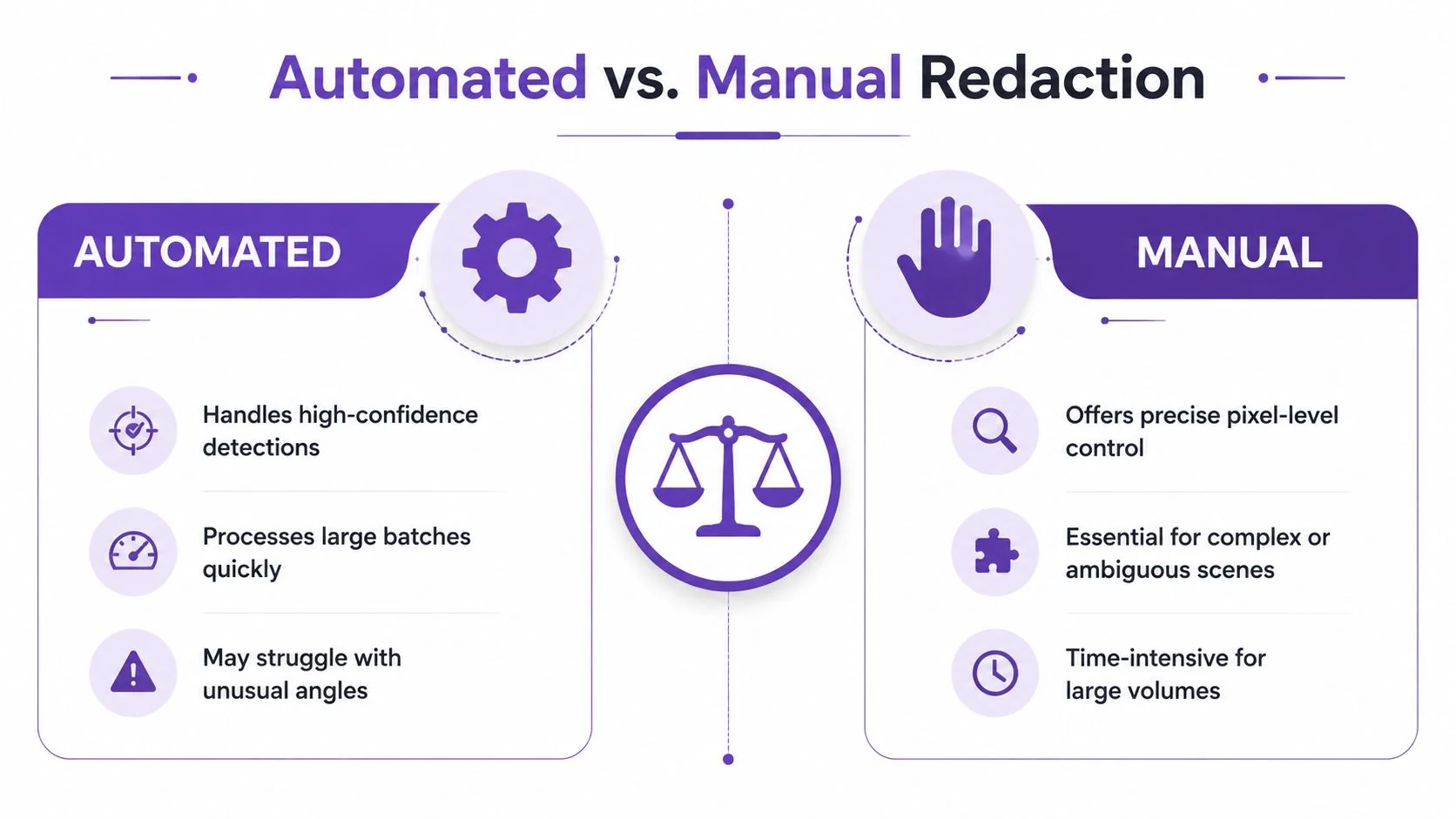
Automation wins when the footage is long, visually consistent, and full of high-confidence targets. Face and plate detection can identify recurring elements, maintain a mask over movement, and apply consistent treatment across a batch. That’s where manual frame-by-frame work becomes repetitive and difficult to quality-control.
Manual work still wins in ambiguous scenes. A profile face may be partly hidden. A reflection may resemble a person. A badge may appear only briefly. On-screen text can change faster than an object tracker expects, while speech redaction depends on transcript quality and the timing of the actual audio. Custom objects also tend to need explicit setup or reviewer guidance.
Practical rule: Let automation propose and track. Let a human decide whether the proposed mask is correct and whether the final export is safe.
A hybrid workflow is usually the most defensible:
- Import the source and preserve it in restricted storage.
- Select the detection classes that match the release requirement.
- Run automatic tracking and transcript analysis.
- Route uncertain detections to a reviewer instead of auto-shipping them.
- Inspect the full timeline, including the start, end, transitions, reflections, and background audio.
- Render a stable derivative, then review the rendered file rather than trusting the project view.
- Record approval and store the derivative separately from the original.
The reason is asymmetric risk. A false positive creates extra review work. A false negative can expose personally identifiable information in a public release, customer ticket, or evidence disclosure. That imbalance makes visual approval essential for sensitive material, even when the system performs strongly on common faces and plates.
The same principle applies to audio. A transcript can accelerate discovery, but the reviewer must confirm that the muted interval covers the spoken identifier and doesn’t leave a duplicate mention nearby. Automated redaction reduces search and tracking effort. It doesn’t transfer accountability to the model.
Where Teams Use Video Redaction in Practice
A support team can record a customer account walkthrough and discover an email address in the browser, with an account number visible in the ticket pane. The support lead processes the raw file in video redaction software, masks the exposed fields, checks the narration for names or case details, and approves a derivative for the ticket or knowledge base. Restricted storage keeps the original separate from the published copy, which belongs in the documentation or support system.
Training teams face a related problem with different content risks. A sales enablement recording might reveal a proprietary dashboard, internal pipeline, or customer logo during a feature demonstration. The content owner reviews automatic object and screen detections, confirms that the redacted video still teaches the workflow, and publishes the approved cut to the training library.
The important question goes beyond face blurring to whether the export protects every screen and spoken detail the intended audience should not receive. Audio, durable rendering, and clear ownership determine whether a redaction workflow is ready for distribution.
Higher-stakes evidence workflows
Bodycam and law-enforcement footage adds chain-of-custody and release controls. Reviewers may need to mask faces, plates, documents, screens, and private conversations before a public-records response or court-related disclosure. The final file should connect to an audit trail identifying the reviewer, applied masks, approval decision, and location of the released derivative.
Government video sources include body-worn cameras, dashcams, CCTV, interviews, and surveillance systems. At that volume, manual redaction can become difficult to sustain, which explains the market’s focus on automated workflows and reviewer controls. That does not mean every team needs an evidence-management suite. Buyers should map the complete path, from capture and restricted retention through review, export, disclosure, and deletion, as outlined in this government video-redaction workflow guide.
The right tool depends on the release context. Support and training teams may need practical screen, object, and audio controls that fit existing publishing systems. Evidence teams also need documented approvals, preserved originals, and export behavior that survives later handling.
For each scenario, name the responsible reviewer before recording begins. A support manager, training owner, or evidence technician should know where the raw file lives, where the approved derivative goes, and what record proves the release was checked.
How to Choose the Right Redaction Tool
A vendor demo rarely resembles the footage your team releases. Build a test set from real recordings and include low light, movement, profile views, occlusion, brief on-screen text, browser panes, background speech, and files that have passed through your usual publishing route. Test the exported derivative, not only the project preview. If tracking breaks on your footage or protection disappears after export, the tool has not passed a meaningful review.
Score each candidate against the workflow your team must operate:
| Criterion | What Good Looks Like | Red Flag |
|---|---|---|
| Detection accuracy | Reliable face and plate detection across varied angles and lighting, with correction controls | Vendor offers only a polished demo and no difficult-footage evaluation |
| Automation | Tracking across re-entries, batch queues, confidence thresholds, and reviewer routing | Every exception requires manual timeline work |
| Audio | Transcript search, word-level muting, waveform adjustment, and review of overlapping speech | Visual masks are strong but audio handling is an afterthought |
| Integrations | Direct paths to storage, editing, evidence, support, and documentation systems | Export and re-import create ambiguous versions |
| Audit trails | Reviewer identity, timestamps, mask history, approval status, and source preservation | The team can’t prove who approved the file |
| Exports | Rendered masks remain intact after transcoding and platform re-encoding | Protection exists only inside the project file |
| Deployment | Cloud, controlled processing, or on-premises options aligned to jurisdiction and sensitivity | Data residency and retention answers are vague |
Audio belongs in the same acceptance test as faces and plates. A tool that finds spoken identifiers, supports word-level muting, and lets a reviewer inspect overlapping speech can prevent privacy failures that visual masking misses. Durable exports matter just as much. Reopen the rendered file after transcoding and platform re-encoding, then confirm that masks and muted sections remain applied.
Cloud and on-premises each carry distinct trade-offs for data residency, access control, and processing visibility. Market figures cited in the government-focused video redaction market overview describe stronger growth for cloud deployments than for on-premises options. Treat those figures as market context, not a deployment decision. Choose according to retention rules, permissions, processing controls, jurisdiction, and footage sensitivity.
For adjacent evaluation work, best video analysis software 2026 offers a useful lens for comparing analysis, search, and review across a media pipeline. Keep the purchase test tied to release safety: strong analytics do not by themselves provide privacy controls, durable redaction, or an approval record.
Fitting Redaction Into Your Documentation Workflow
Redaction rarely lives by itself. Teams already record walkthroughs, edit clips, publish help content, and maintain version history. The privacy step should fit that route instead of creating a disconnected desktop process that nobody remembers to run.
A practical pipeline looks like this:
- Capture the walkthrough: Record the interface, with unnecessary tabs closed and sensitive audio minimized.
- Clean the source: Send the raw file through redaction for faces, plates, screens, text, and spoken identifiers.
- Create reusable documentation: Pass the approved video into a documentation editor that can produce searchable steps, screenshots, captions, and article structure.
- Publish controlled outputs: Store the video and article in their intended systems, with access and version history attached.
- Retain deliberately: Keep the original under restricted access and treat the derivative as the shareable artifact.
Tutorial AI is one example of the documentation side of this model. It can turn a single screen recording and spoken narration into a polished tutorial video and generate a matching written article from that same recording. The workflow supports product demos, feature release videos, customer onboarding, help-center and knowledge-base videos, support article videos, internal training, SOPs, and sales enablement walkthroughs. Its documentation workflow is described in this guide to generating documentation from your video.
A documentation-friendly tool doesn’t replace standalone redaction. If the source is surveillance footage, bodycam video, a customer upload, or third-party media, the file may never have started as a screen capture. In those cases, a dedicated redaction suite remains the right processing layer, followed by the documentation system that turns the approved material into searchable help content.
What to Do Before Your Next Recording Goes Live
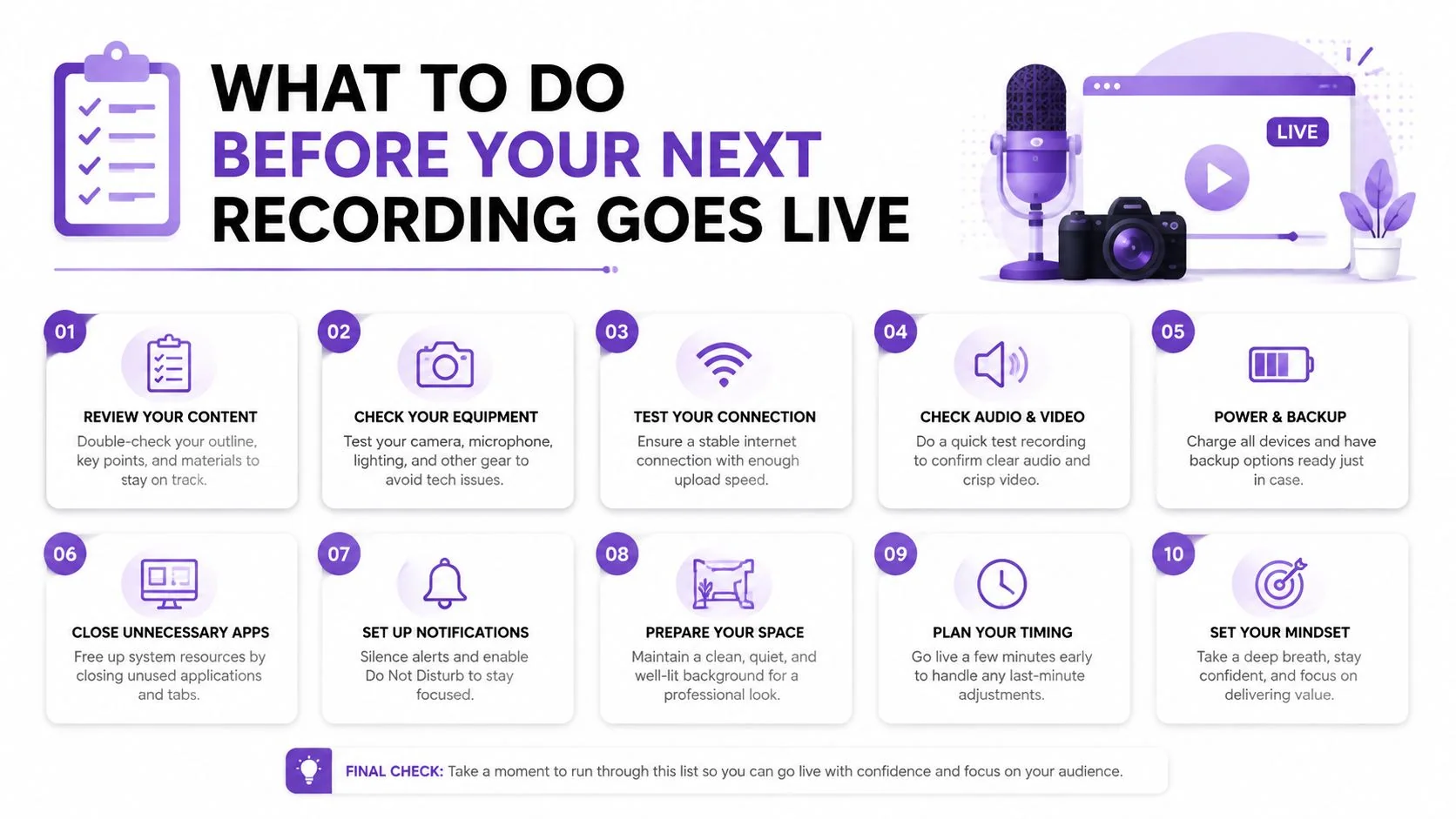
A final blur pass isn’t a privacy strategy. Safe video starts before capture, continues during recording, and ends only after the rendered file has been reviewed.
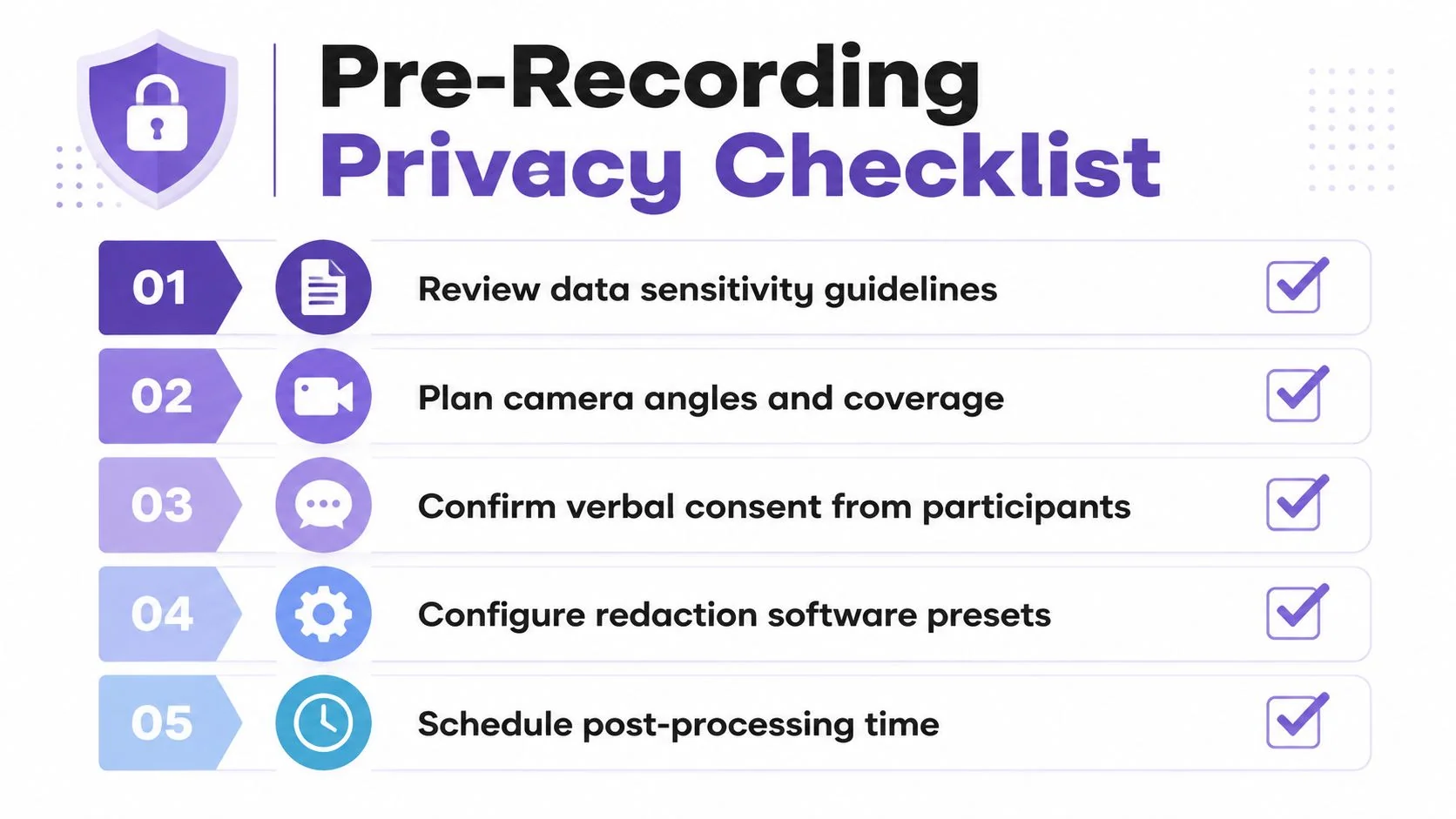
Before recording, confirm consent for anyone who may appear, close unrelated browser tabs, remove unnecessary account data from the demo environment, and mute ambient audio that could capture customer names. Decide which fields your redaction software should flag automatically, then schedule time for review instead of treating it as an optional cleanup task.
During capture, assume the file is untrusted. Don’t publish directly from the recorder. After export, inspect every tracked object across the full timeline, listen for spoken identifiers, verify the rendered masks, and store the original separately with restricted access. Teams handling urgent media can also review broader operational guidance such as secure crisis software for journalists, especially when publishing decisions happen under time pressure.
Run this short action list this week:
- Pilot one real recording: Compare automated detections with a human review and log every miss.
- Test two integrations: Follow the file from redaction into your storage and publishing destinations.
- Lock the audit location: Decide where approval history, source references, and export records will live.
- Review the audio path: Confirm names, addresses, case details, and other spoken identifiers are handled.
- Publish only the derivative: Keep the original restricted and release the reviewed file.
The broader privacy workflow is outlined in this guide to protecting sensitive information. Redaction is not purely visual. Durable exports, audio, governance, retention, and reviewer accountability determine whether a video is safe to share.
Tutorial AI turns one screen recording and spoken narration into a polished tutorial video and a matching help article, with editable scripts, captions, smart zooms, blur controls, and documentation outputs from the same source. If your team needs to publish useful walkthroughs without losing control of sensitive interface data, visit Tutorial AI and evaluate it alongside your redaction workflow.