One Player.
Every Language.
Embed a single video player. Let viewers switch languages directly from the player controls. No separate embeds, no extra pages, no friction.
The Problem
Your content speaks 74 languages.
Your player should too.
Without Multilingual Player
- Separate video embeds for each language
- Viewers must navigate away to find their language
- Maintenance multiplied by every language version
- Inconsistent viewer experience across locales
With Multilingual Player
-
 One embed code, all languages included
 - Viewers pick their language without leaving the player
- Update once, every language updates automatically
- Consistent, professional experience worldwide
Multilingual Player
See it in action
Your viewers see one player. They click a language. Everything switches.
- Language selector in the player controls
- Works on any website or help center
- No page reload, no separate embed
How It Works
From translation to embed in 3 steps
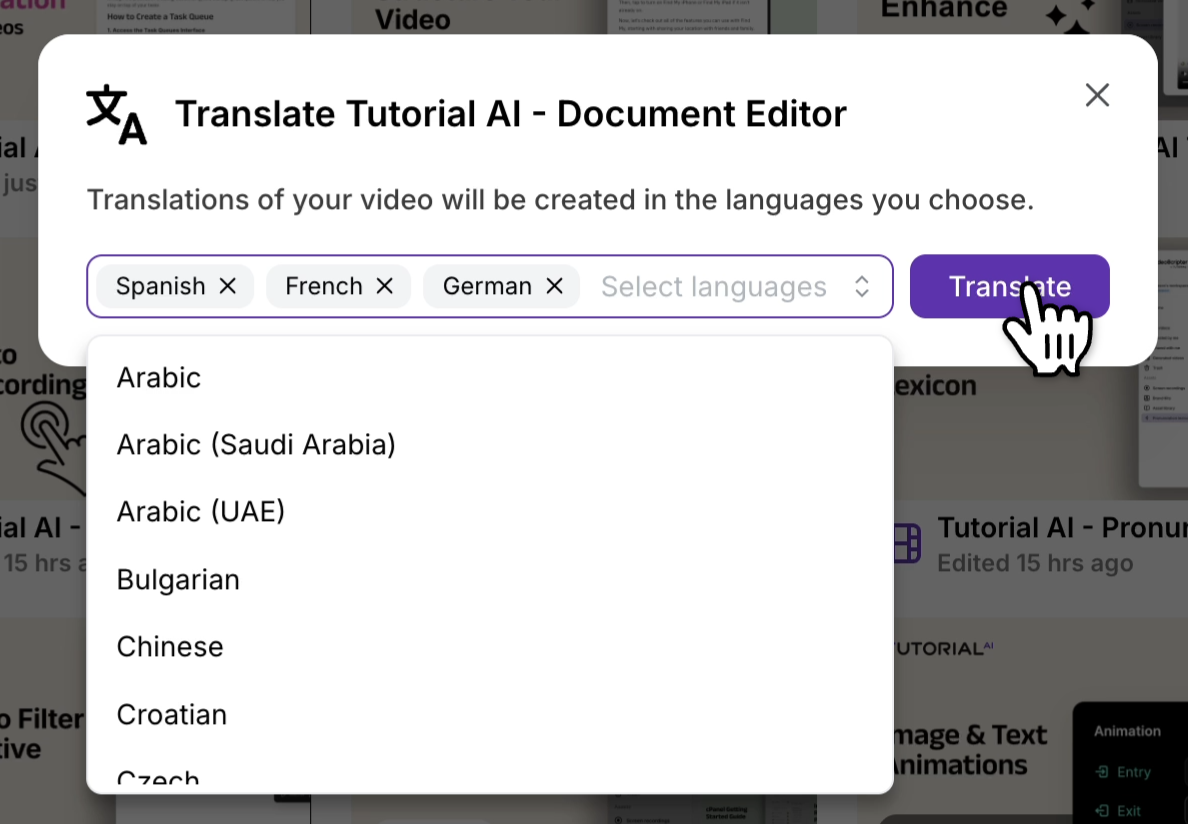
Translate into 74 languages
Pick your target languages and click Translate. AutoRetime™ generates a localized voiceover, captions, and timing for each — and saves them as drafts in a Translation Folder.
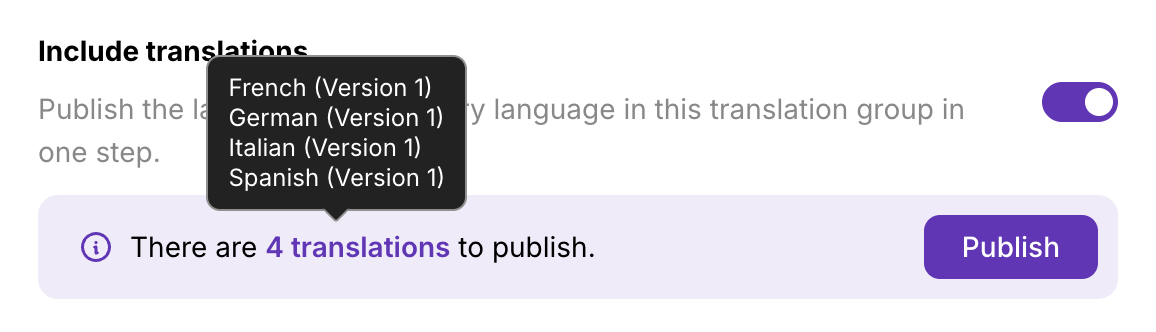
Review and publish
Review the script for each language — tweak proper nouns, brand terms, anything you want. Then publish each language individually, or push them all live with one Republish all.
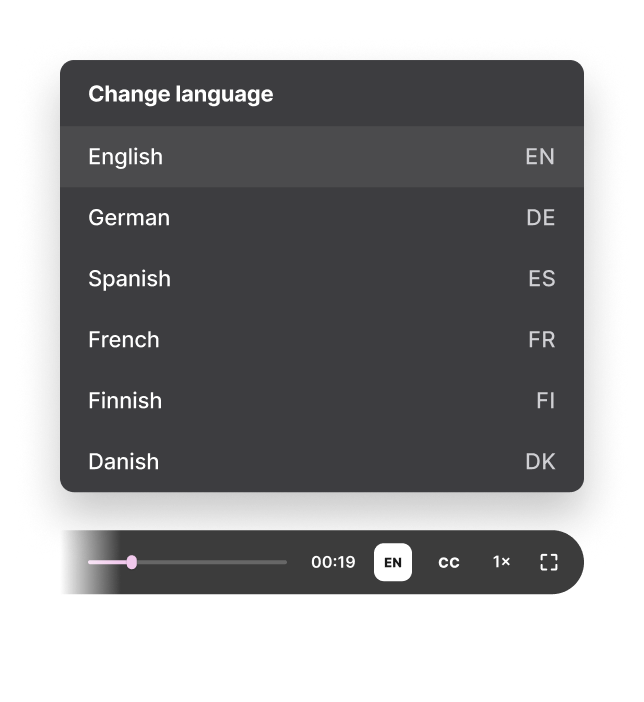
Embed once, viewers choose
Paste one embed snippet on your page. Every published language appears in the in-player selector automatically — and any new language you add later shows up without changing the embed code.
Why It Matters
The embed advantage
One embed, every language
Stop managing separate video embeds for each locale. One snippet serves all your translated content — no matter how many languages you support.
Zero viewer friction
Language selection happens inside the player controls. No redirects, no separate pages, no drop-off — viewers stay right where they are.
Always up to date
Edit your source video, add new translations, and every embedded instance updates automatically. No re-embedding required.
Use Cases
Built for global teams
Help Centers
Help Centers & Knowledge Bases
Embed multilingual tutorials directly in your help docs. Customers self-serve in their own language without leaving the page — reducing ticket volume and improving satisfaction across every market you serve.
Onboarding
Customer Onboarding
One onboarding video serves every market. New users get walkthroughs in their language from day one — no separate onboarding flows, no duplicated content, no maintenance overhead.
Training
Internal Training & LMS
Distribute training across global offices with a single embed per course. Employees pick their language inside the player. HR and L&D maintain one set of content instead of dozens.
Smart Language Detection
The right language, automatically
Viewers land on your page and see the player in their language — no friction, no manual selection. They can still switch any time from the in-player selector.
How the player picks the language
First match wins. If a language isn't published, the player falls through to the next rule.
- 1
?lang=URL parameter - 2
Viewer's browser language
- 3
The original language
- 4
English fallback

Translation Folders keep languages organized
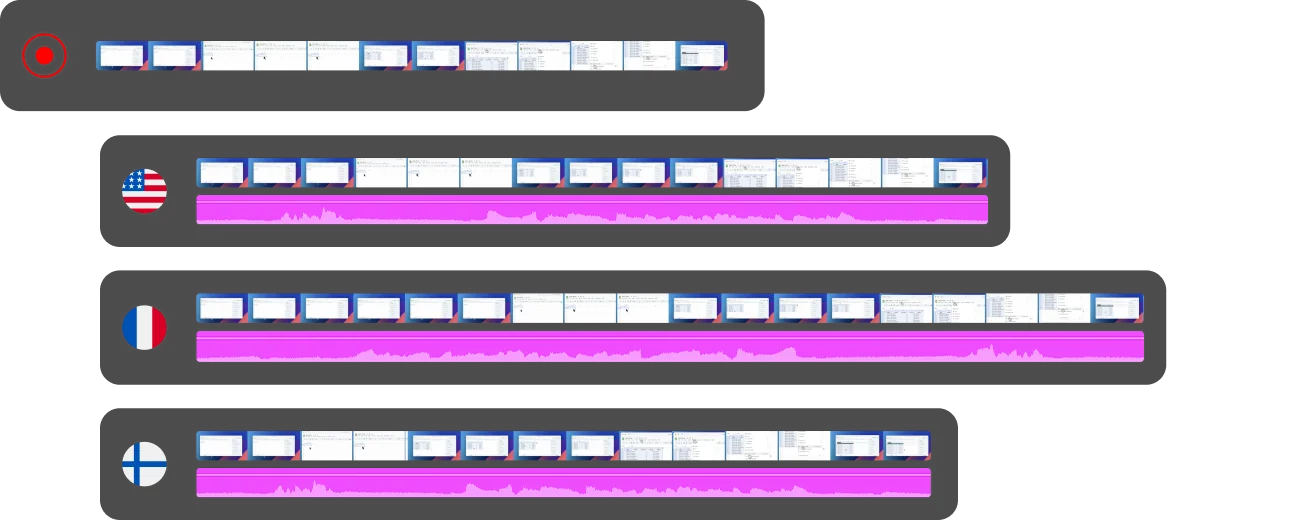
When you translate a video, every language version is automatically grouped with the source in a Translation Folder — no manual filing. Add a new language later and it slots into the same folder and shows up in every existing embed.
AutoRetime™
Powered by
AutoRetime™ Translations
The multilingual player works hand-in-hand with AutoRetime™. One-click translation adapts voiceover, captions, and timing to each language — so every version stays perfectly in sync.
- 74 languages supported
- Captions, click events, and cuts stay in sync
- No manual timeline editing — one click and it's done
FAQ