You’re probably looking at a familiar mess. One team wants better narration for product demos. Another wants multilingual help-center videos. Support wants faster article production. Security wants to know where the data goes. And the person recording the tutorial just wants a voice workflow that doesn’t turn every update into a re-editing project.
That’s why comparing AI voice companies for tutorial and documentation work is different from comparing them for call centers. A great synthetic voice matters, but it isn’t enough. You also need script control, timing, pronunciation, localization, and a sane path from voice generation into the finished asset. Under the hood, all of this sits on AI’s deep learning approach, but the buying decision is much more practical than the model architecture.
The market is large and growing fast. The global voice AI agents market was valued at USD 2.4 billion in 2024 and is projected to reach USD 47.5 billion by 2034, with a 34.8% CAGR, according to Market.us voice AI agents market data. That growth explains why so many vendors now overlap across text-to-speech, voice agents, dubbing, and enterprise speech infrastructure.
For tutorial teams, the hard part usually isn’t picking the most lifelike demo voice. It’s choosing a setup that won’t break when you need to update a feature walkthrough, localize it, and publish both a video and a written help article from the same recording.
1. ElevenLabs
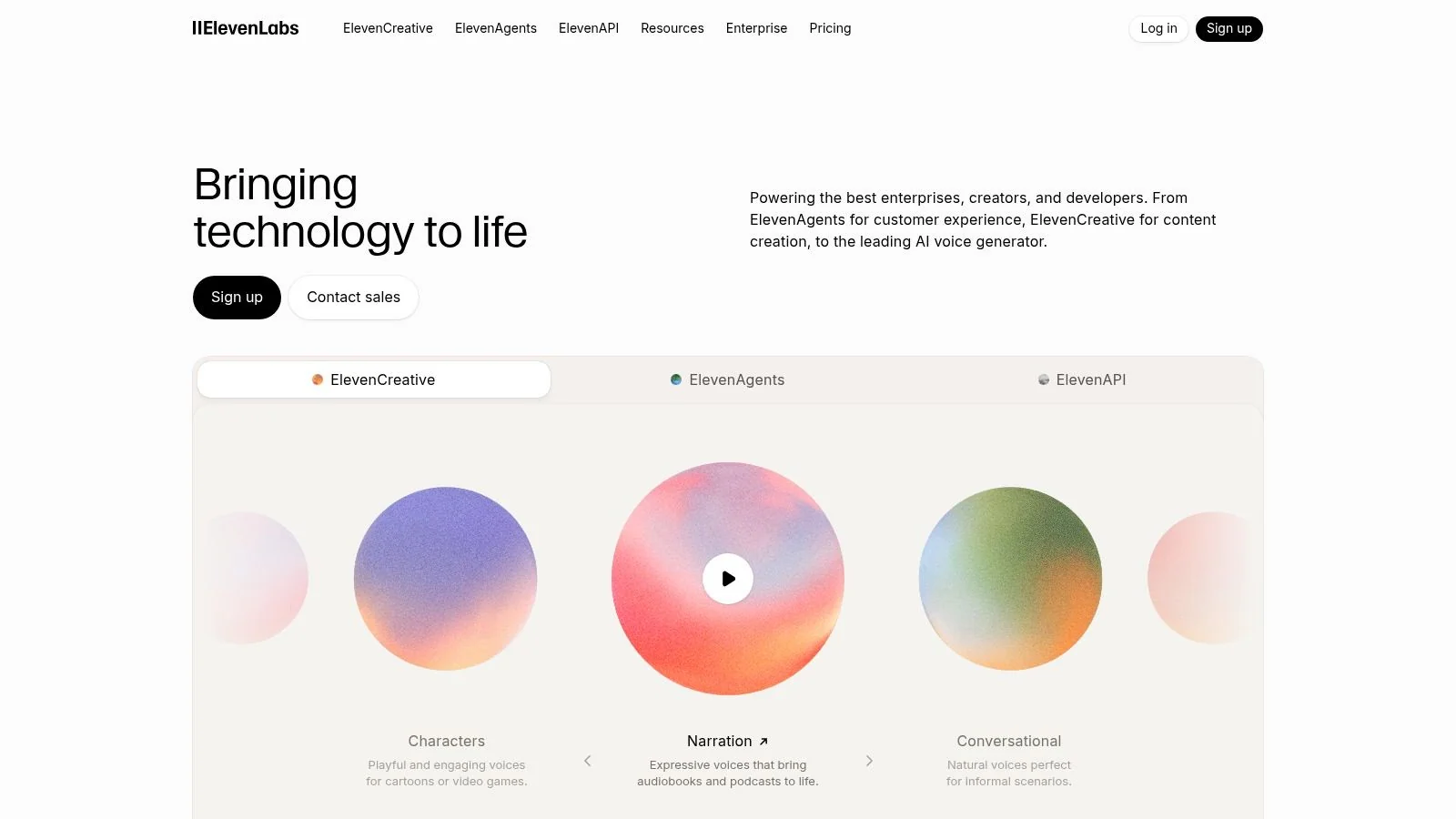
ElevenLabs is the name that comes up first when teams care about voice realism. That reputation is deserved. Its voices usually sound less flat than the large cloud platforms, and the controls around pacing and delivery make it easier to get narration that feels intentional rather than merely readable.
For tutorial videos, that strength matters most when you’re recording dense product flows. If the script has UI labels, acronyms, and short instructional phrases, robotic delivery becomes obvious fast. ElevenLabs tends to handle that style better than tools built mainly for utility speech.
Where it fits best
If your process starts with a polished script and ends in a video editor, ElevenLabs is a strong pick. It works well for:
- Feature walkthroughs: You can keep the tone calm and instructional without sounding deadpan.
- Customer onboarding videos: The multilingual and cloning options help when the same voice identity needs to carry across regions.
- Long-form narration: The studio workflow is better than most API-only tools for managing longer projects.
A practical wrinkle is cost predictability. Credit-based systems are fine for testing, but they get harder to forecast once teams start iterating heavily on script drafts, alternate languages, and revised scenes.
Practical rule: If your team rewrites scripts often, model the cost of revisions, not just the cost of final renders.
If you want stronger voice quality inside a video workflow, it’s worth looking at AI voice generation for videos, especially if the narration needs to stay aligned with screen actions instead of living as a standalone audio file.
Use ElevenLabs when expressive delivery is the priority. Look elsewhere if you need the deepest enterprise controls or the simplest cost model.
2. Microsoft Azure AI Speech
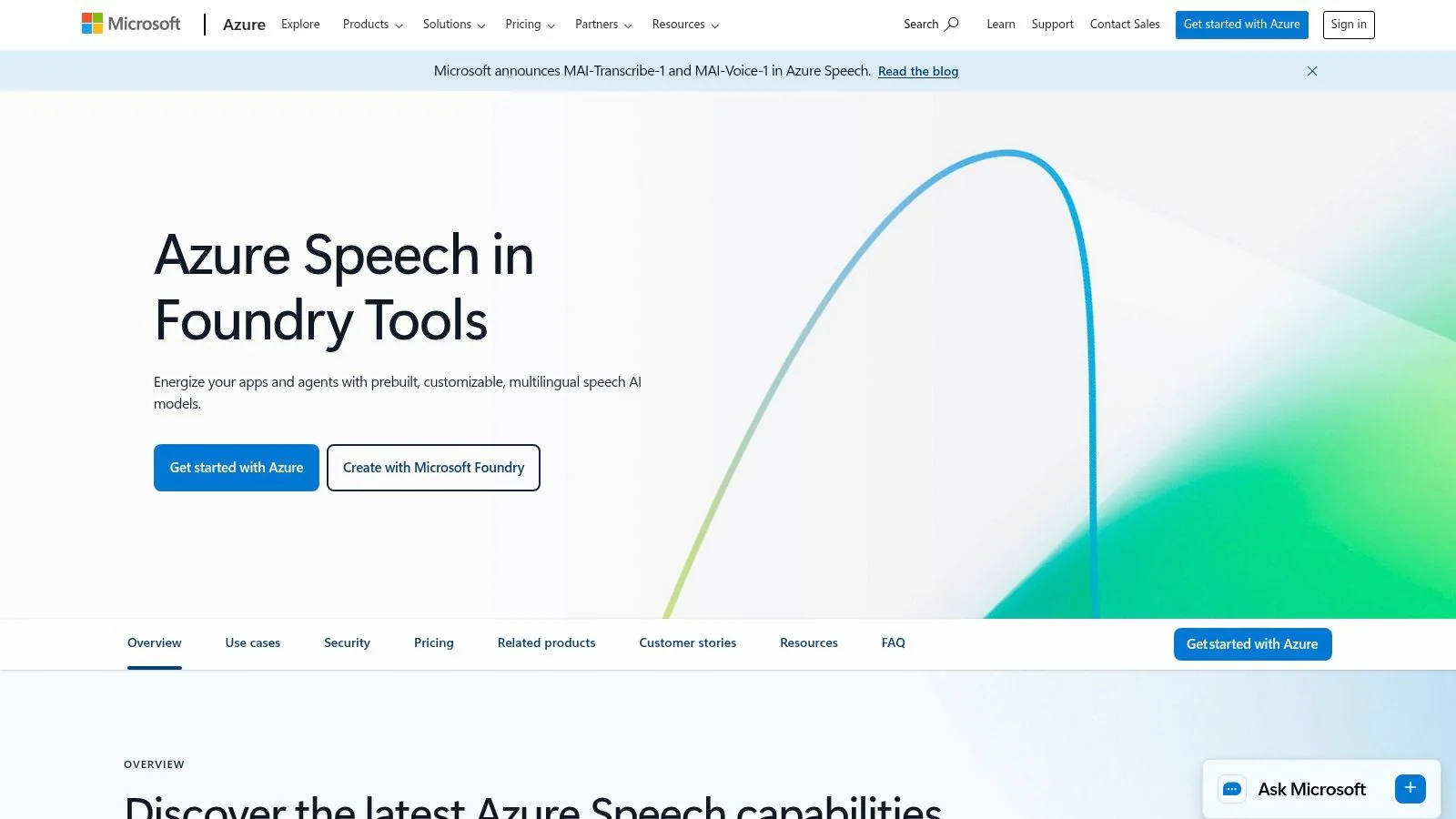
Azure AI Speech is usually the safe enterprise answer. That sounds boring, but boring is often exactly what documentation teams need. If your company already uses Azure, the value isn’t just the voice itself. It’s governance, regional controls, identity management, and the fact that security review tends to go faster.
Azure is strong when tutorial production sits inside a larger enterprise content system. Think software training for internal teams, onboarding videos for a distributed workforce, or support content that has to live within strict compliance boundaries.
What works in practice
The appeal is the full speech stack. You’re not just buying text-to-speech. You can combine speech recognition, translation, and custom voice work under one roof. That matters when you want a reusable platform rather than a point solution.
A few trade-offs show up quickly:
- Best for Microsoft-heavy stacks: If your infrastructure already runs in Azure, setup feels much more natural.
- Less friendly for lightweight creators: Small teams often find it heavier than a polished self-serve studio.
- Strong pronunciation control: That’s useful when your product vocabulary includes internal terms, branded features, or industry jargon.
The downside is complexity. Azure can absolutely support polished narration pipelines, but it doesn’t hand-hold non-technical teams the way creator-focused tools do. Someone usually has to own implementation.
Use Microsoft Azure AI Speech when procurement, security, and integration matter as much as voice quality. For enterprise documentation programs, that’s often the deciding factor.
3. Amazon Polly
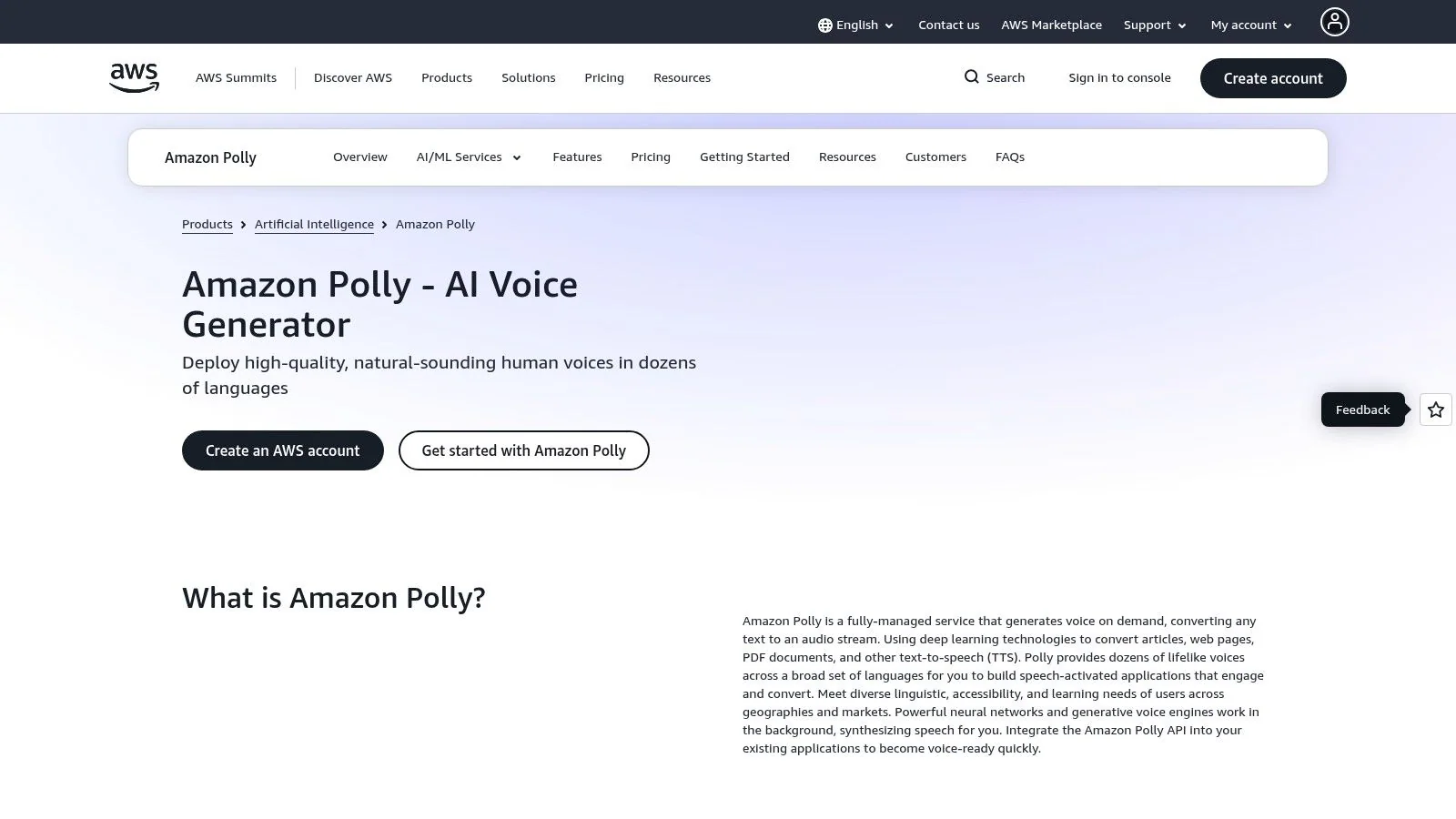
Amazon Polly remains one of the most practical choices in this category. It’s mature, predictable, and tightly integrated with AWS. That makes it less exciting than some newer vendors, but also less risky if your team wants a dependable service for repeatable narration tasks.
I’d put Polly in the “good infrastructure, modest performance flair” bucket. For straightforward support videos, SOP narration, and utility-style product explainers, it does the job well. For brand-heavy storytelling or emotional reads, it’s less compelling.
Best use cases for tutorial teams
Polly works best when the goal is consistency, not personality. It’s especially suited to teams that want to generate narration at scale from templates or structured scripts.
Consider it for:
- Knowledge-base videos: Clear, repeatable voice output matters more than dramatic range.
- Internal training libraries: AWS integration helps if the rest of the content stack already lives there.
- Programmatic narration: SSML, lexicons, and speech marks are useful when your workflow is automated.
Its main weakness is that some voices still sound more serviceable than polished. That gap becomes obvious when paired against boutique voice vendors on customer-facing tutorials.
A broader industry benchmark helps explain why vendors like Polly remain relevant. The global conversational AI market was valued at USD 8.63 billion in 2022 and is projected to grow at a 23.6% CAGR through 2030, while the speech and voice recognition market was estimated at USD 28.2 billion in 2022 and is expected to reach USD 118.8 billion by 2030 at a 19.8% CAGR, according to CareerTrainer.ai voice and conversational AI statistics. Large, general-purpose providers benefit from that broad demand.
Amazon Polly is a solid fit when you want operational reliability and native AWS alignment more than standout voice character.
4. Google Cloud Text-to-Speech
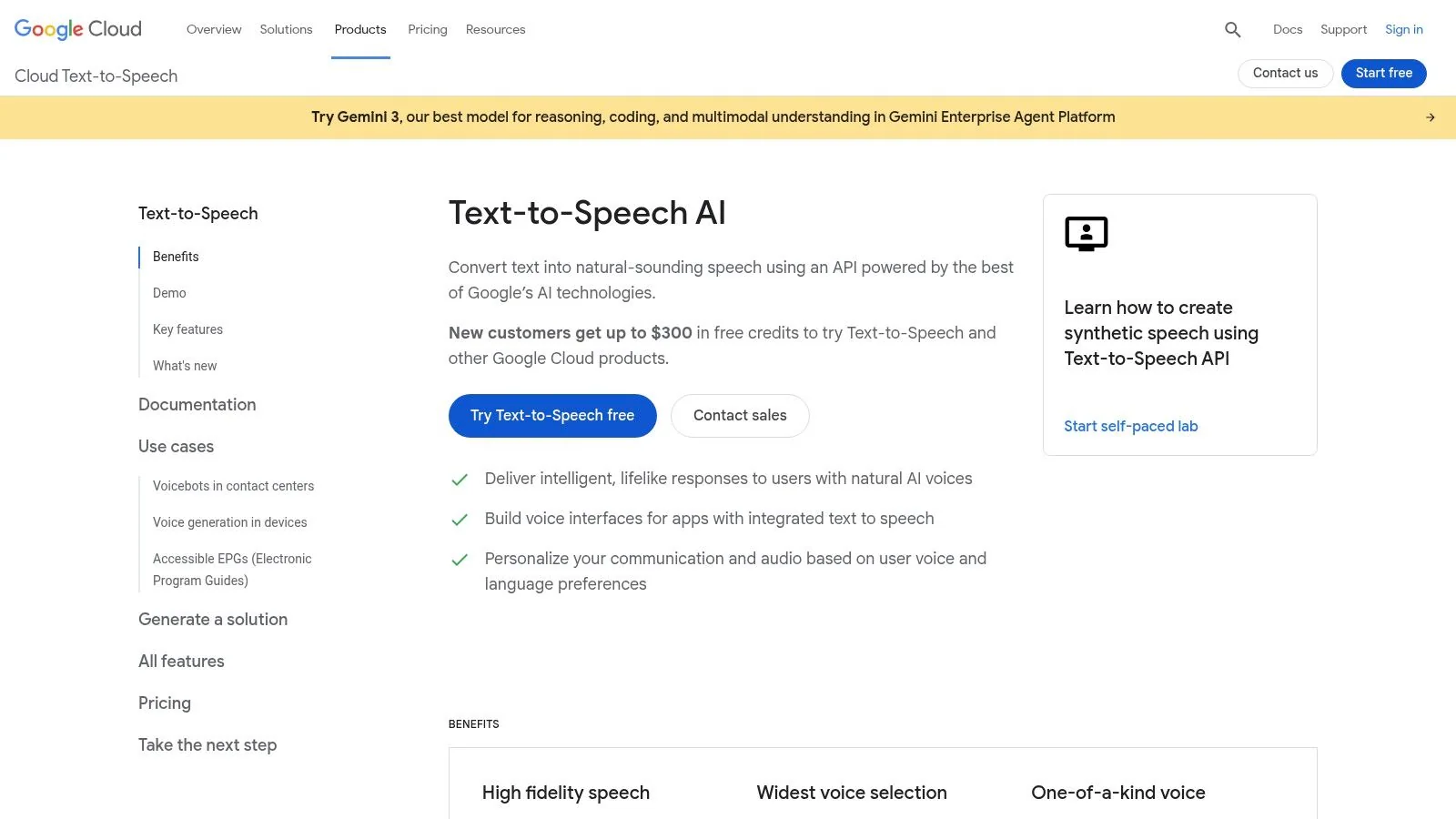
Google Cloud Text-to-Speech sits in a useful middle ground. It’s more developer-friendly than some enterprise suites, more transparent than many boutique vendors, and broad enough to cover both standard narration and more advanced custom voice work.
For teams producing tutorials in multiple languages, Google is especially interesting because the product catalog is wide and the pricing model is easier to understand than many rivals. That makes budgeting less painful when you’re testing several voice options across several regions.
Where Google has an edge
The practical benefit is range. You can start with standard cloud voices, move into better premium models, and keep the workflow in one environment. That’s useful for teams that don’t yet know whether they need “good enough” narration or something more branded.
When the buyer says “we just need voiceover,” Google often wins the pilot. When they later need creative nuance, they sometimes outgrow it.
A few reasons teams choose it:
- Clearer model separation: You can usually tell what you’re paying for and why.
- Good cloud integrations: Strong fit if Dialogflow or Google media tooling is already in use.
- Useful for localization tests: It’s easy to compare multilingual options before committing.
If your immediate need is Spanish narration, free Spanish text-to-speech options can help frame the difference between quick testing and production-grade output. For a more technical backdrop on how these systems are built and served, this guide to AI model training and serving is useful context.
Use Google Cloud Text-to-Speech when you want a broad voice catalog, straightforward cloud tooling, and a path from experimentation to scaled deployment.
5. WellSaid Labs
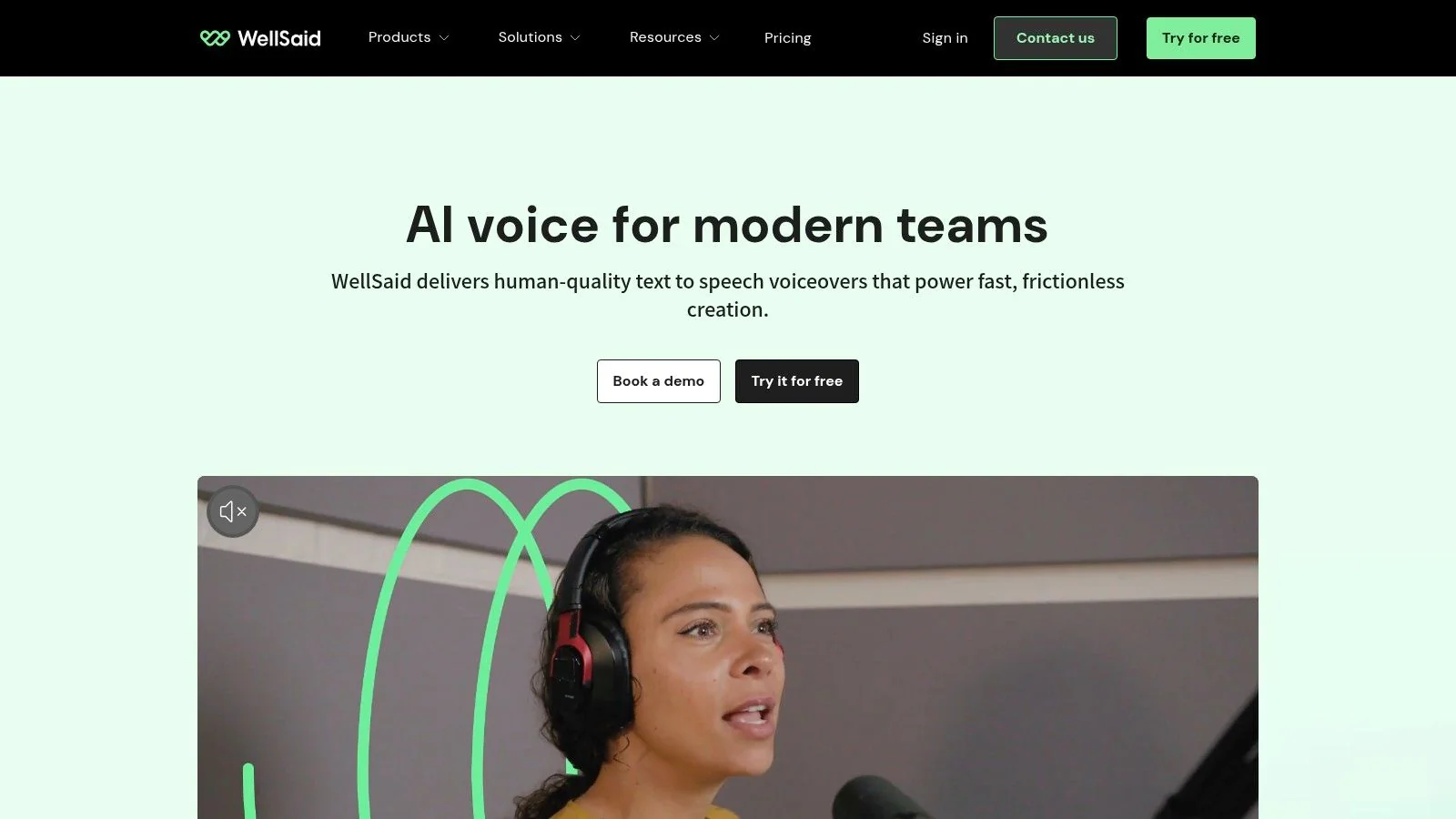
WellSaid Labs is one of the clearest fits for training and documentation teams. It doesn’t try to be everything. Instead, it focuses on professional, consistent narration for business content. That narrower focus is a strength.
If you’ve ever had a product expert record a useful walkthrough that still sounded rough because the voiceover felt uneven, this is the kind of platform that helps. WellSaid’s voices are usually tuned for clarity, steadiness, and low fatigue over longer listening sessions.
Why L&D teams like it
WellSaid is built for organizations that care about repeatability. A support team creating article videos, an enablement team shipping onboarding modules, and an HR team maintaining internal training all need the same thing: narration that sounds polished every time.
Its practical advantages tend to be:
- Consistent corporate tone: Less theatrical than creator-first tools, which is often good for tutorials.
- Pronunciation and versioning controls: Important when product names and internal language have to stay stable.
- Team workflow support: Better aligned to review cycles than a purely individual creator product.
The trade-off is expressive range. If you want energetic marketing reads or highly stylized character voices, this isn’t the strongest category fit.
WellSaid Labs is best when your tutorial and documentation library needs one dependable narration style that won’t drift from project to project.
6. Murf AI
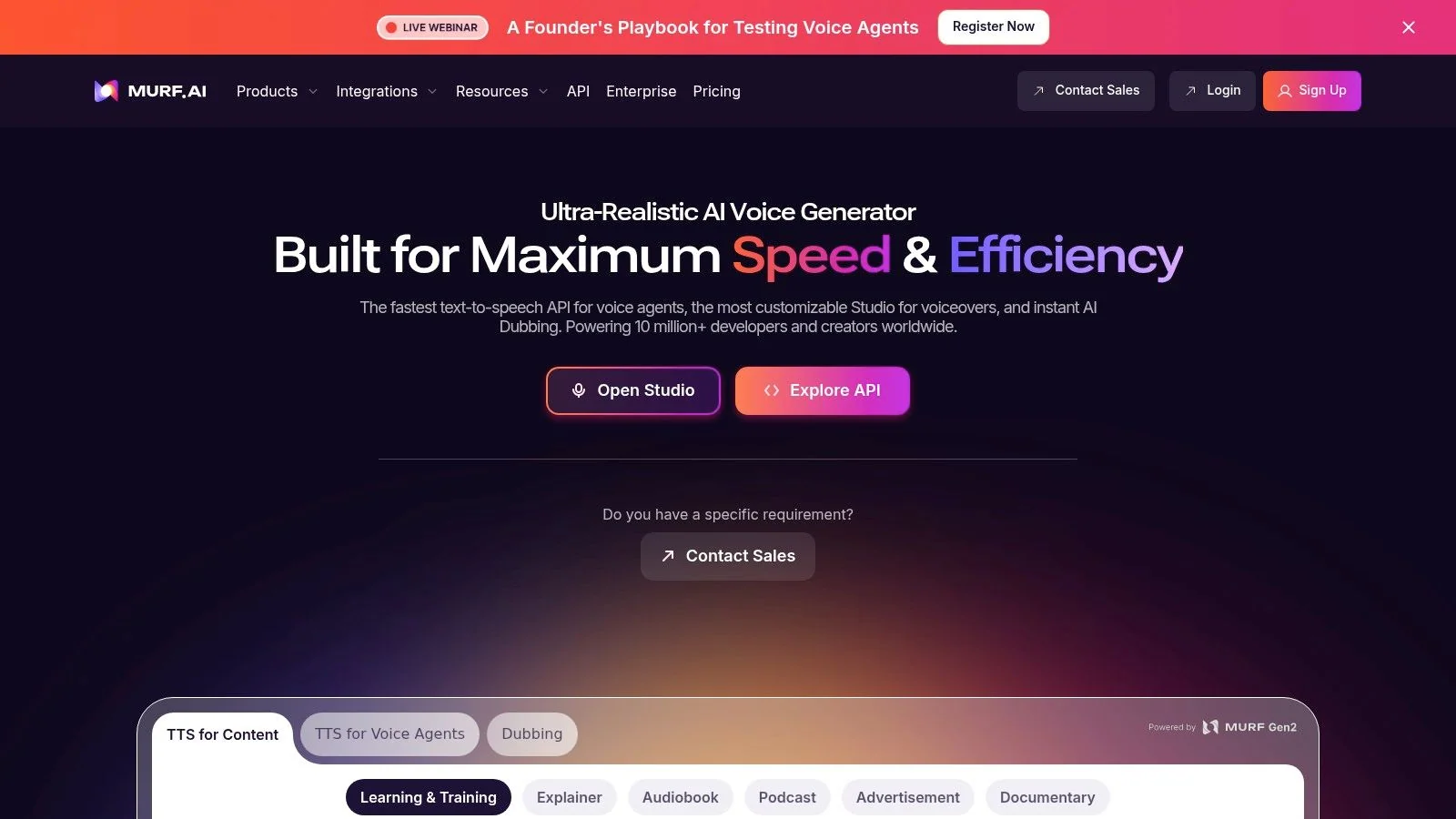
Murf AI is the practical business-suite option. It offers enough voices, enough language coverage, and enough built-in production tooling to make it attractive for teams that don’t want to assemble a workflow from separate services.
That bundled approach matters more than people expect. A lot of AI voice companies look good in demos because the sample output sounds strong. The friction appears later, when a training team needs approvals, slide integration, and a way for non-technical contributors to make updates without involving an editor.
Where Murf earns its place
Murf is especially good for organizations already working from decks, structured lesson scripts, and internal training materials. The integrations with presentation tools are useful because many business tutorials still begin life in slides before they become polished videos.
Here’s where it tends to work well:
- Sales enablement walkthroughs: Slide-based narration is straightforward.
- Internal training: Collaboration features matter more than maximum expressiveness.
- Fast multilingual drafts: Teams can test variants without building a custom pipeline.
The weakness is ceiling, not floor. Murf is usually competent, but if your brand relies on highly natural delivery, you may eventually compare it against more premium voice specialists and hear the difference.
Use Murf AI when you want an all-in-one business workflow with reasonable self-serve usability. It’s a strong middle option for teams that need speed and collaboration more than bleeding-edge voice realism.
7. Resemble AI
Resemble AI stands out because it treats voice generation and voice governance as part of the same conversation. That’s valuable for brands that want custom voices but also need guardrails around authenticity, detection, and verification.
For tutorial teams, Resemble becomes interesting when voice cloning is on the table. Maybe you want one recognizable narrator across an onboarding library, or you’re dubbing a product demo while trying to preserve a branded voice identity. In those cases, the security posture matters almost as much as the quality.
Strong fit for controlled voice cloning
Resemble is one of the better picks when legal, brand, or policy teams are involved early. The watermarking and deepfake detection capabilities make it easier to have a serious internal conversation about synthetic voice use instead of treating it like a novelty tool.
Field note: The more your company cares about branded voice assets, the more you should ask about verification and misuse controls before you ask about style sliders.
Its practical trade-offs are pretty clear:
- Granular pricing: Helpful for controlled testing, but it can add up with layered features.
- Security tooling: Strong differentiator for regulated or brand-sensitive teams.
- Developer orientation: Better if you have someone technical to own implementation.
If dubbing is a major requirement, this guide to the best AI video dubbing workflows is worth pairing with your vendor review.
Resemble AI is a strong option when custom voices and trust controls both matter. That’s a narrower use case than general narration, but for the right team it’s a meaningful advantage.
8. LOVO.ai
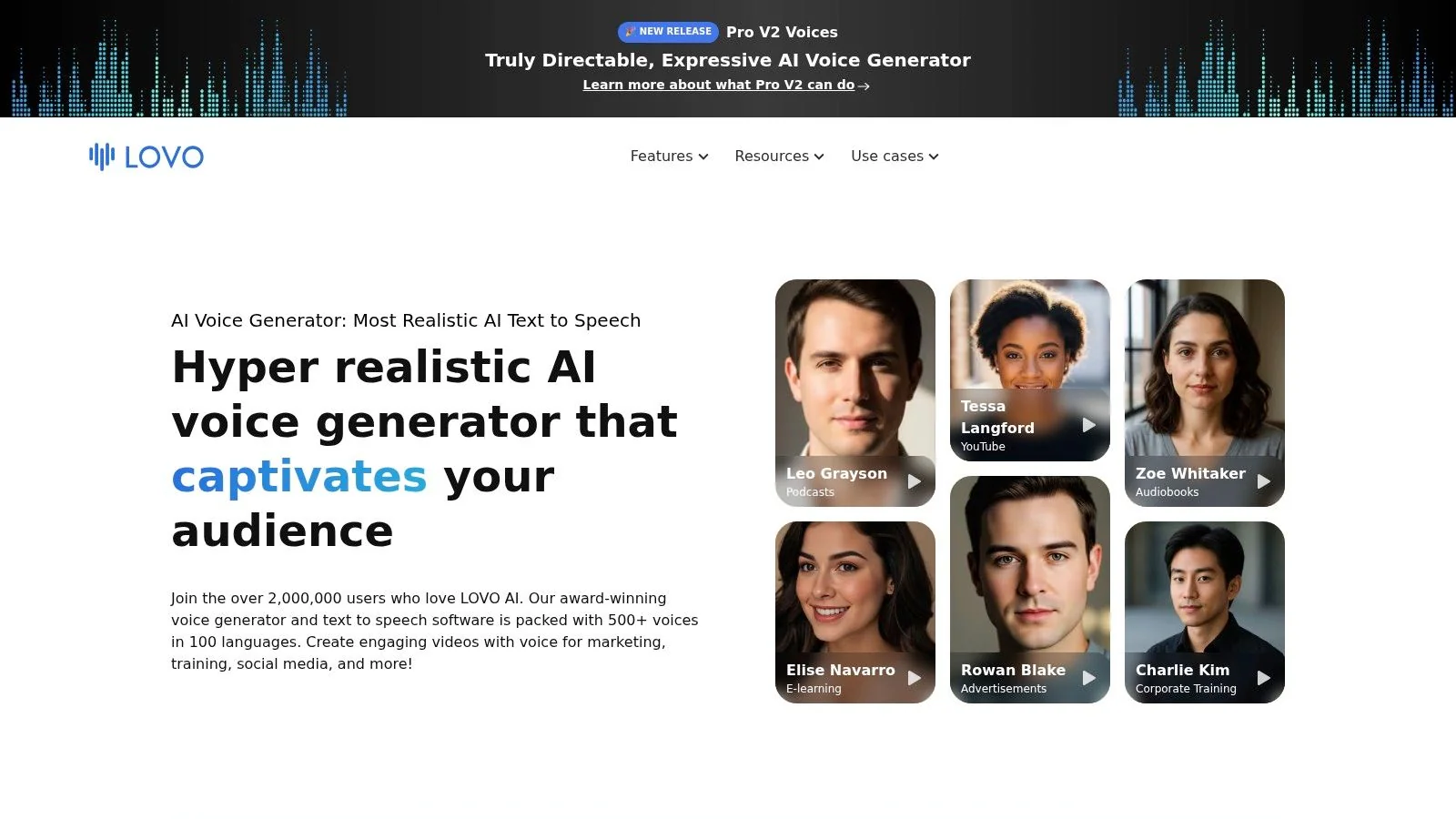
LOVO.ai, through Genny, leans toward the creator side of the market. It combines voice generation with a timeline editor, subtitles, script assistance, and built-in video production features. That makes it appealing for teams that want more than a raw TTS engine but less than a full professional post-production stack.
For tutorial work, LOVO is useful when the content owner wants to stay inside one interface. Product marketers and training managers often prefer this kind of workflow because it shortens the path from script to finished asset.
Good for fast-turn video production
The main advantage is convenience. You can move from script drafting into voiceover and visual assembly without hopping across several tools. That’s especially helpful for release videos, lightweight demos, and enablement content with short deadlines.
A few trade-offs show up in practice:
- Broad voice catalog: Helpful when you need quick options for different markets or tones.
- Built-in editing workflow: Better than exporting isolated narration files and stitching everything together later.
- Less enterprise depth: Large governance-heavy organizations may want stronger cloud and compliance controls.
LOVO is often strongest for teams that publish frequently and optimize for turnaround time. If every update has to go through a more formal documentation workflow, the built-in editor becomes less important than integration with your docs stack.
Use LOVO.ai when speed and convenience matter most, especially for marketing-adjacent tutorials and short-form training content.
9. Deepgram
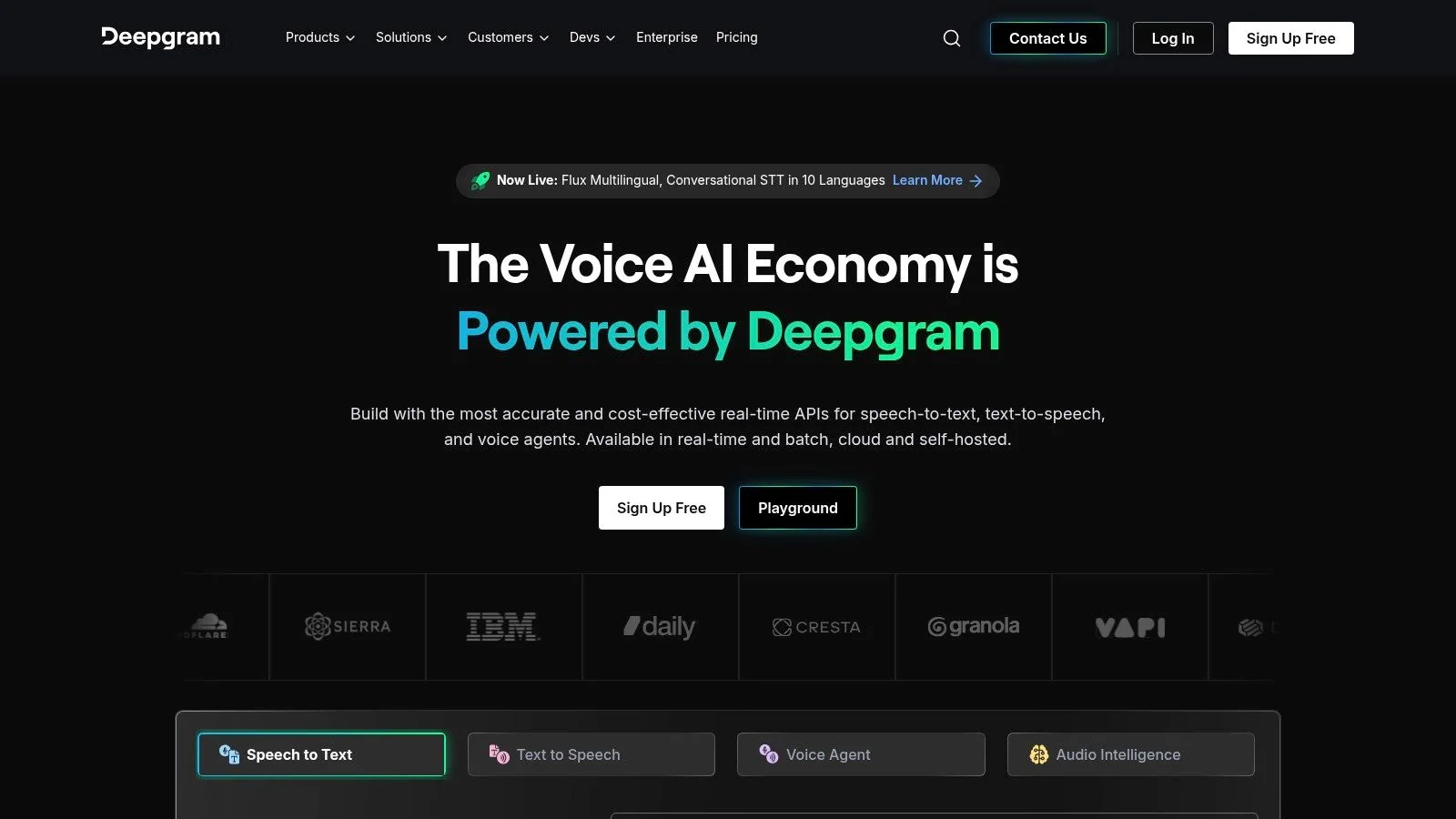
Deepgram is a smart choice when you don’t want to split speech recognition, text-to-speech, and agent orchestration across separate vendors. It’s not the most creator-friendly option on this list, but it can be one of the most efficient for technical teams building voice-enabled systems.
That matters for tutorial operations more than it first appears. A lot of documentation workflows now include transcription, script cleanup, translated narration, and sometimes interactive voice experiences. Managing that across disconnected tools adds friction fast.
Why technical teams shortlist it
Deepgram’s value is architectural simplicity. If one vendor can handle recognition, synthesis, and orchestration, there are fewer moving parts to debug. That’s useful for companies experimenting with support automation and content generation in parallel.
Independent survey data also suggests that AI voice adoption is maturing. Based on 1,419 verified reviews, 76% of AI voice assistant users reported significant or transformational operational ROI, according to G2’s AI voice assistant survey. That doesn’t mean every deployment works equally well, but it does explain why more technical buyers now care about end-to-end stack choices rather than isolated voice demos.
For tutorial and documentation teams, Deepgram is most relevant when your video pipeline depends heavily on accurate speech input and downstream automation, not just polished output voice.
Use Deepgram when integration efficiency and unified speech infrastructure matter more than having the biggest catalog of prebuilt voices.
10. Papercup
Papercup is the outlier on this list because it’s closer to a managed dubbing service than a self-serve TTS platform. That difference is important. If you have a large archive of training videos, product explainers, or educational content to localize, self-serve tools can become operationally heavy very quickly.
Papercup is designed for teams that want scale with oversight. Translation, voice synthesis, timing, and human quality assurance are part of the offer. For large content libraries, that can be more useful than chasing the lowest raw generation cost.
Best for localization at catalog scale
This is the right kind of vendor when localization is a production function, not a side task. Think multinational product education, YouTube channel localization, or enterprise training archives that need consistent quality across many assets.
Its practical profile is pretty simple:
- Managed workflow: Good for teams with more content than internal production capacity.
- Human QA: Important when mistranslations would create support or compliance problems.
- Less suited to quick one-off updates: For short clips and frequent product changes, self-serve systems are usually faster.
The implementation reality matters here. Public coverage often focuses on model quality, but deployment usually depends on orchestration, CRM sync, handoff logic, and workflow integration. An Aircall analysis of AI voice implementation highlights that a real production stack spans multiple layers, and argues that operational fit may now be a bigger bottleneck than the voice model itself.
Papercup is best when your core problem is high-volume dubbing with quality control, not day-to-day tutorial iteration.
Top 10 AI Voice Companies Comparison
| Provider | Core strengths | Quality & UX | Pricing & Value | Target audience | Unique selling points |
|---|---|---|---|---|---|
| ElevenLabs | High-fidelity expressive TTS, voice cloning, web studio & API | ★★★★★ expressive, long-form friendly | 💰 Credit/character model, premium licensed voices | 👥 Creators, narrators, studios | ✨ Emotional nuance, Iconic Voices marketplace, 🏆 top-tier naturalness |
| Microsoft Azure AI Speech | Neural & custom TTS, SSML, real-time streaming, enterprise SDKs | ★★★★☆ reliable, enterprise-ready | 💰 Region-based enterprise pricing, strong governance | 👥 Enterprises, regulated orgs, platform teams | ✨ Compliance & IAM/SSO, regional deployment, 🏆 scale & security |
| Amazon Polly | Multiple engines (Standard/Neural/Studio/Generative), SSML, AWS integration | ★★★★ mature, broad language support | 💰 Pay-as-you-go, predictable billing, free tier | 👥 Devs, contact centers, IVR & scale deployments | ✨ Streaming, lexicons, deep AWS ecosystem |
| Google Cloud TTS (Gemini-TTS) | WaveNet/Neural2/Studio/Gemini, instant custom voices, dev tools | ★★★★☆ low latency, wide voice catalog | 💰 Transparent per-model/char pricing, free tiers | 👥 Developers, product & global apps | ✨ Gemini-TTS instant custom voices, Dialogflow integration, 🏆 global infra |
| WellSaid Labs | Studio-quality voices, pronunciation controls, team workflows | ★★★★ consistent, L&D-friendly | 💰 Enterprise-focused, pricing via sales | 👥 L&D, corporate training, knowledge bases | ✨ Pronunciation library, predictable narration, brand voices |
| Murf AI | 200+ voices, translations/dubbing, slide integrations, collaboration | ★★★★ practical, business-focused UX | 💰 Clear self-serve plans; advanced features on paid tiers | 👥 Marketing teams, e-learning creators, SMBs | ✨ Google/PowerPoint integrations, unlimited downloads (paid) |
| Resemble AI | TTS, real-time voice, cloning, security & verification tooling | ★★★★ flexible, brand-safe | 💰 Granular per-second / Flex pricing | 👥 Regulated brands, devs needing verification | ✨ Watermarking, deepfake detection, rapid cloning |
| LOVO.ai (Genny) | 500+ voices, timeline editor, script assistant, subtitles | ★★★★ creator-friendly, all-in-one workflow | 💰 Self-serve plans; higher-usage pricing less transparent | 👥 Marketers, creators, training teams | ✨ Genny timeline editor, large multilingual catalog |
| Deepgram (Aura TTS) | Unified STT + TTS, Voice Agent API, low-latency stack | ★★★★ strong latency & recognition | 💰 Competitive per-character billing, volume deals | 👥 Call centers, voice bots, real-time agents | ✨ Single-vendor STT+TTS orchestration, transparent billing |
| Papercup | End-to-end AI dubbing with translation + human QA, managed delivery | ★★★★ broadcast-grade after QA | 💰 Managed-service pricing by quote (volume-based) | 👥 Media owners, publishers, large libraries | ✨ Human-in-the-loop QA, full-service localization, managed workflows |
Next Steps How to Evaluate Your AI Voice Solution
Start with the job, not the vendor list. There’s a big difference between choosing a platform for real-time voice agents and choosing one for pre-recorded tutorials, help-center videos, or multilingual product demos. If your team creates documentation, your biggest bottleneck usually isn’t raw voice quality. It’s how fast you can update the script, sync the narration to the screen recording, and republish without dragging an editor into every revision.
That’s why I’d test your shortlist with the same source material. Use one screen recording, one approved script, and one translated version if localization matters. Then compare the results on three things: how the voice sounds, how much manual cleanup the workflow needs, and how hard it is to make a change after review. The first pass matters, but revision cost matters more.
A lot of teams underestimate timing. A standalone TTS tool can produce great audio, but if a translated voiceover runs longer than the original, your scenes, zooms, and captions go out of sync. That’s where integrated workflows beat best-of-breed point tools. The more your content changes, the more valuable it becomes to keep script editing, narration, and timing in one system.
There’s also the ROI question. It’s easy to overfocus on savings claims and ignore fit. Market commentary and vendor reporting show strong demand across workflows like healthcare intake, sales coaching simulations, and reminders, but ROI is still use-case dependent. This PR Newswire coverage of SMB voice agent adoption includes a positive vendor-published number, but the more useful takeaway is qualitative: measure outcomes by workflow, not by hype.
For documentation teams, the best evaluation framework is simple:
- Voice quality: Does the narration sound trustworthy for instructional content?
- Editing model: Can a product expert update the script without timeline editing?
- Localization workflow: What happens when translated narration changes scene length?
- Integration: Can the output fit your help center, LMS, CMS, or support stack?
- Enterprise readiness: Does it meet your security, workspace, and collaboration needs?
Don’t just evaluate the voice. Evaluate the rework.
If you also need transcripts or article generation from the same source recording, your vendor decision shifts again. At that point, a voice engine by itself may be the wrong purchase. An integrated platform can remove a lot of hidden work by keeping the recording, script, captions, timing, and published documentation in one place. If you need a way to judge the input side of the workflow as well, this guide on how to evaluate transcription quality is a useful companion.
The best choice usually isn’t the most realistic voice in isolation. It’s the one that gives your team the cleanest path from product knowledge to finished video and written documentation.
If your team makes tutorials, demos, onboarding videos, or help-center content, Tutorial AI is worth a close look. It combines screen recording, editable scripts, lifelike narration, AutoRetime for translated voiceovers, and article generation from the same recording, so you can ship a polished video and matching documentation without stitching together separate tools.